
Teaching documents
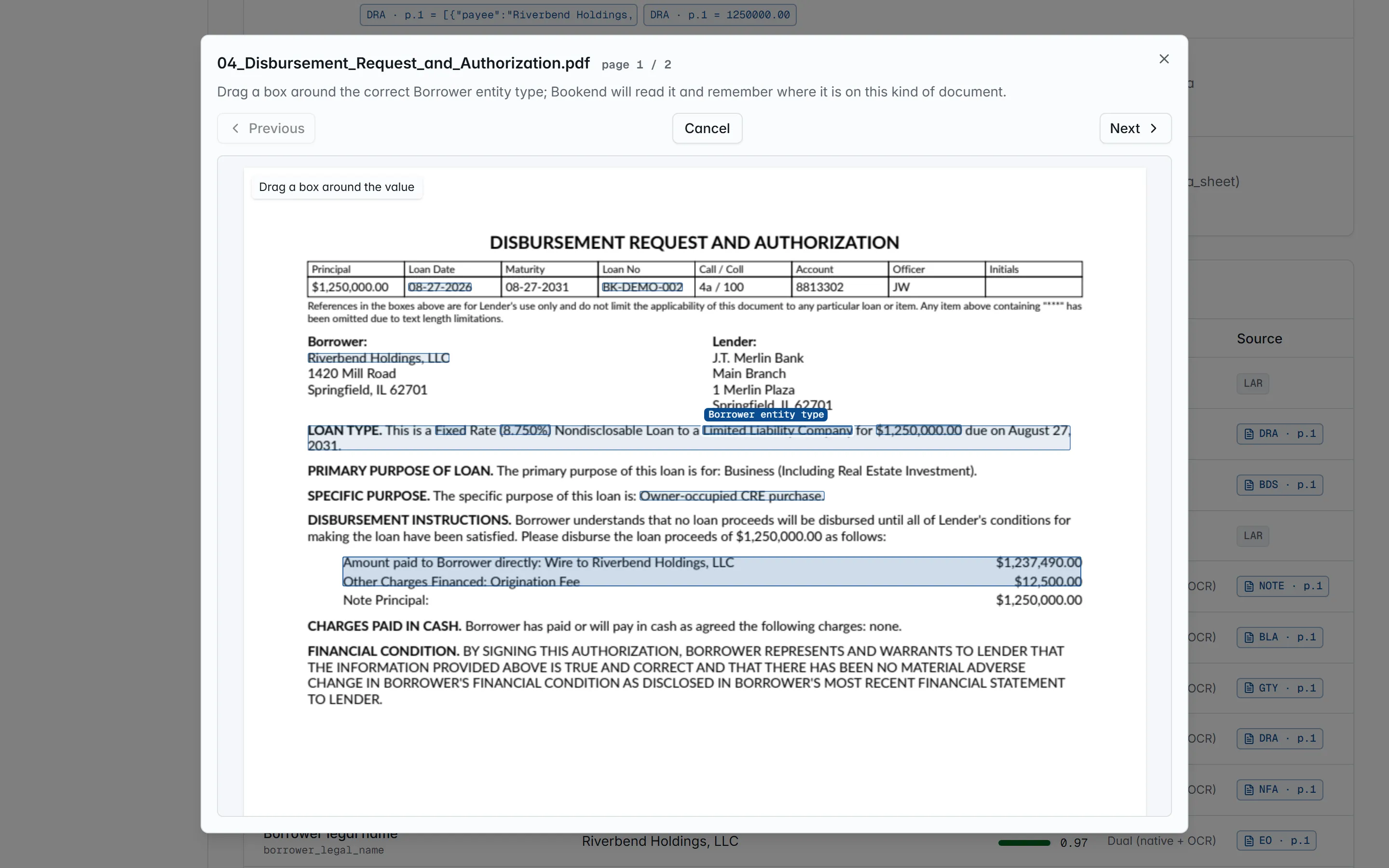
Bookend reads the closing documents its built-in templates cover out of the box. When your bank uses a form it does not recognize (a counsel-drafted note, a different boarding sheet, a credit memo), you teach it as data, without writing rules: upload one example, drag a box around each value, say what it is. Nothing changes until you save, and runtime extraction stays deterministic.
Administrators only, under Settings → Documents.
Teach a new document in three steps
Section titled “Teach a new document in three steps”1 · Show Bookend one example
Section titled “1 · Show Bookend one example”Upload one PDF of the form (a scanned copy works: the pages are recognized first). The page renders in the studio; use Previous / Next for multi-page forms.
2 · Name what you drew
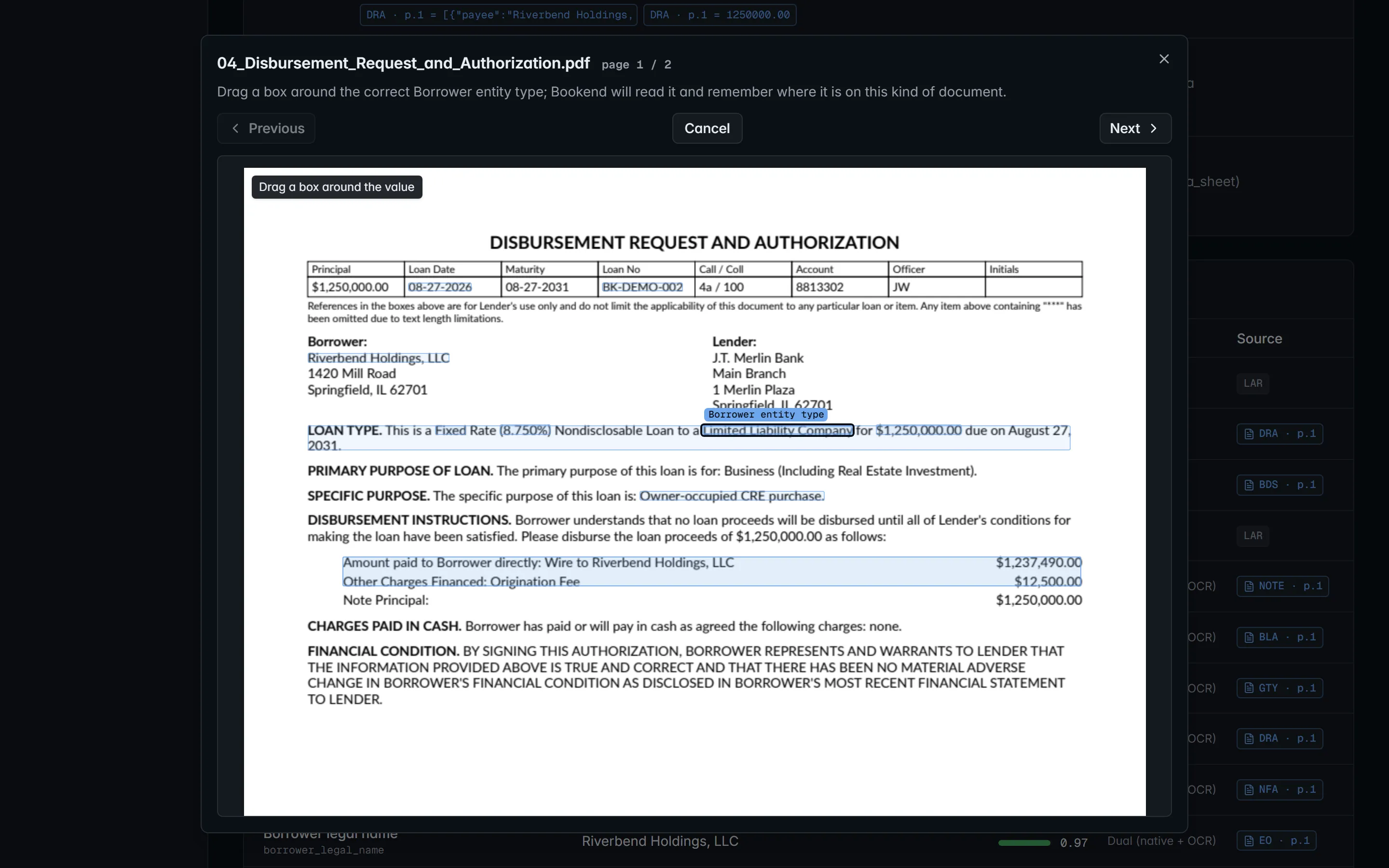
Section titled “2 · Name what you drew”Drag a box around a value. A What is this? dialog opens with what Bookend read inside the box and asks which field it is, in plain language (“Principal amount”, “Maturity date”, …). The moment you choose, Bookend reads the box back:
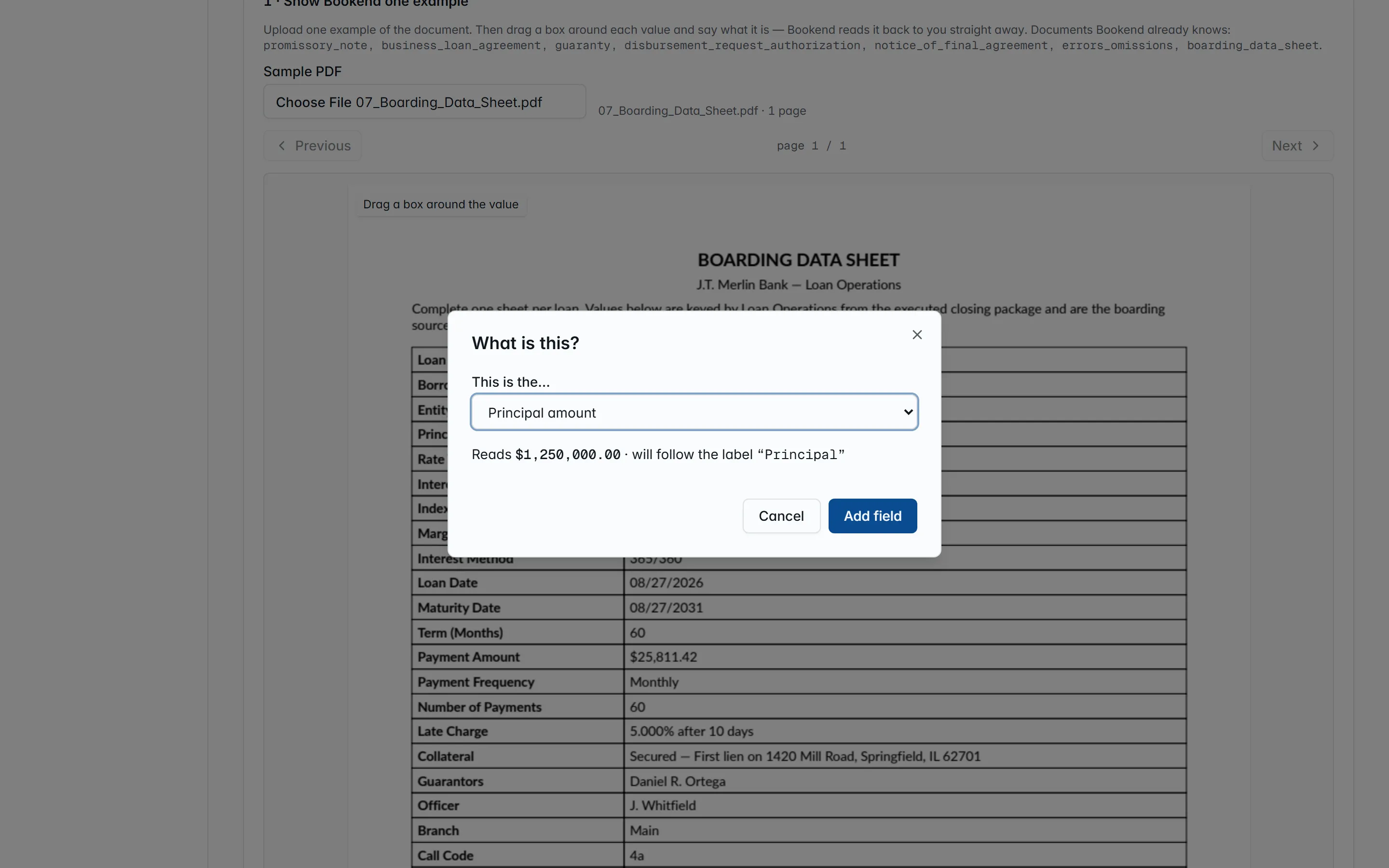
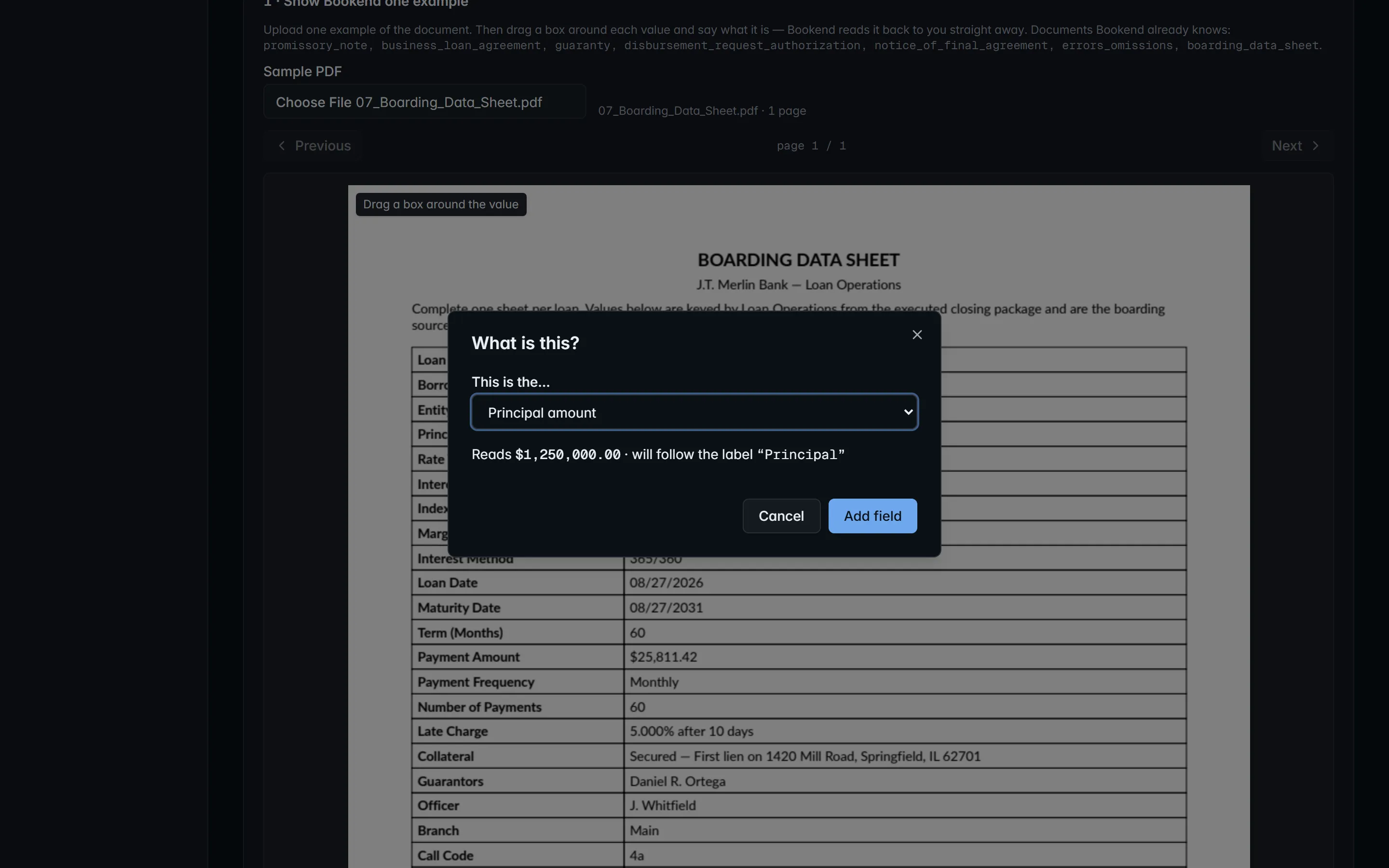
Reads $1,250,000.00 · will follow the label “Principal”
The value is what the pipeline will extract; the label is the anchor: the printed text beside the box that Bookend looks for when a scan is offset or the form re-flows, so the box moves with it. If nothing readable is inside the box, or the text does not read as that kind of field, the dialog says so and you draw again. Add field puts it in the list; a field mapped twice keeps the newer box.
Draw the form’s title the same way and pick Document title: that is how Bookend recognizes the form on the next loan. Then choose the document type from the taxonomy.
3 · Check, then save
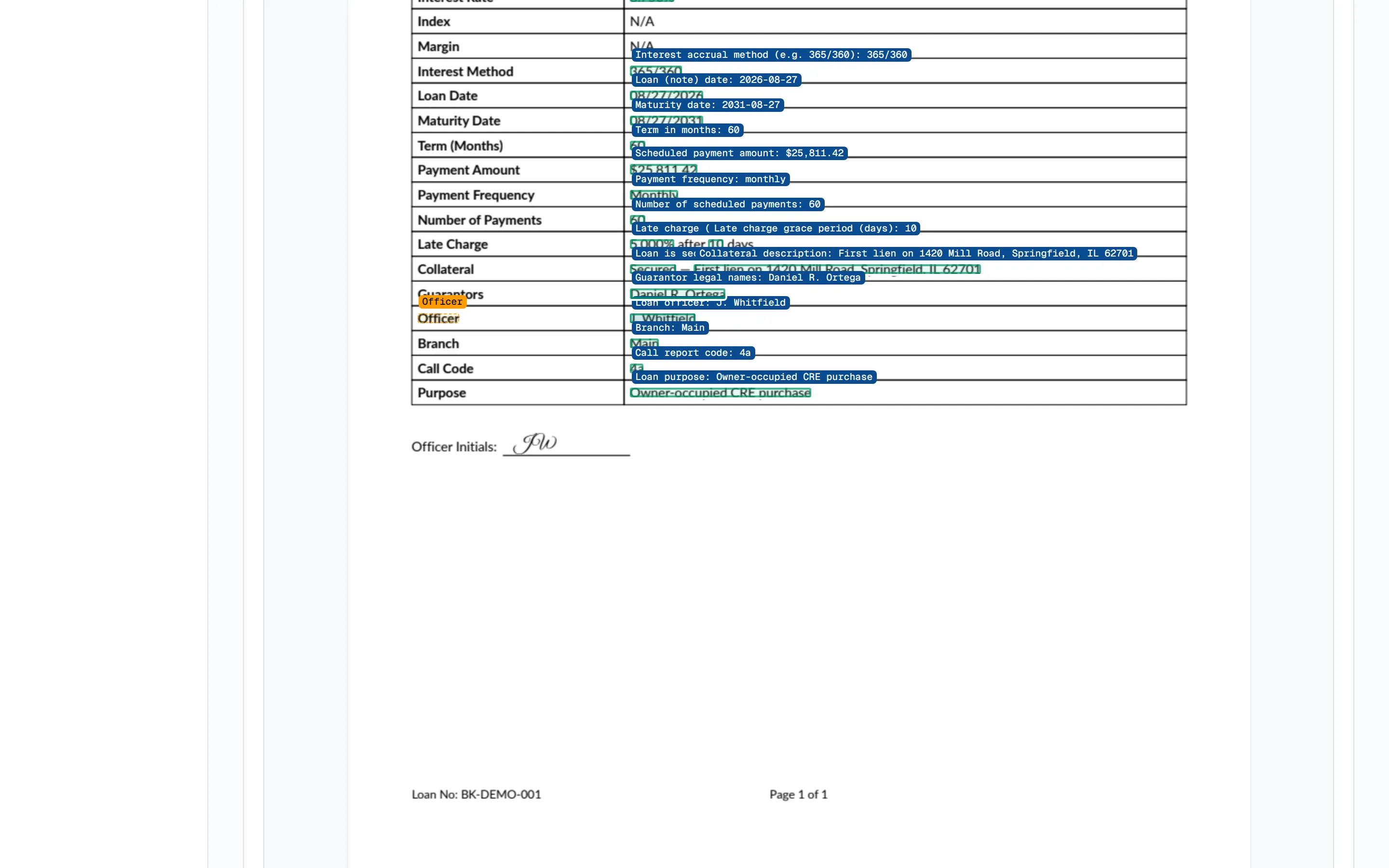
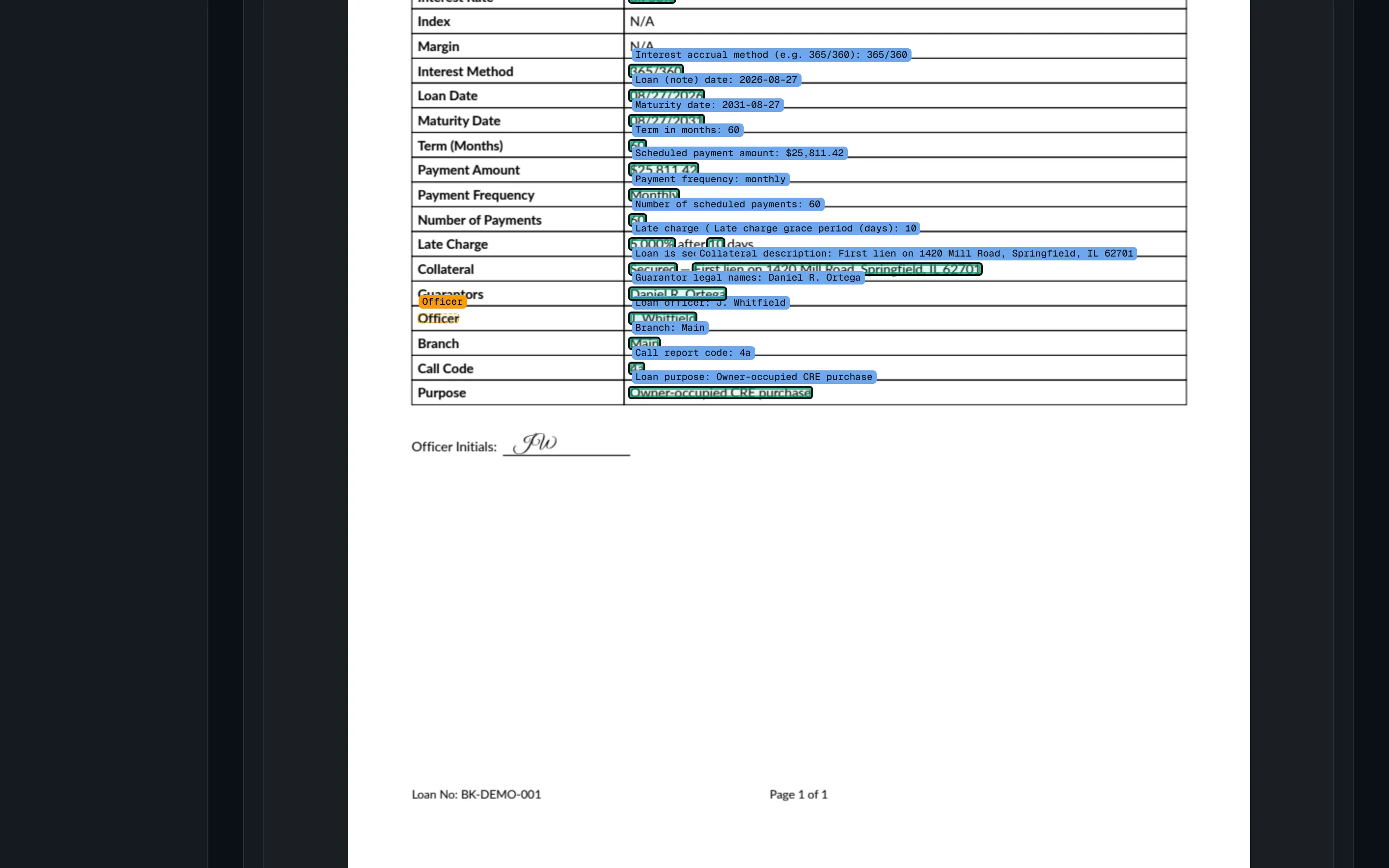
Section titled “3 · Check, then save”Check it on this example runs the whole template on the sample and draws every value on the page in green: what the pipeline will read, where it read it. Save makes the template part of what Bookend reads from the next loan on, replacing any template already taught for that document type; existing loans are untouched. Both need a document type and at least one field. The page lists what is already taught and how many fields each template has.
Fix where a value comes from
Section titled “Fix where a value comes from”On a loan, every value’s provenance chip opens the source page. Administrators see Fix where this comes from: drag a box around the correct value and Bookend reads it back the same way (value and anchor) and saves it as that field’s rule for that document type, replacing any earlier rule for the field. The loan itself is unchanged until you press Reprocess this loan now (otherwise it applies from the next loan on). A fix needs a classified document with pages: it is not available on the approval record or on a document the pipeline has not classified yet.
What it does under the hood
Section titled “What it does under the hood”Each taught field is a region rule in the extraction.templates setting: the page, the box as page fractions and
the anchor label. At extraction time the engine finds the label, moves the box with it and reads the words inside.
A region without its label is read where it was drawn at reduced confidence, so a re-labeled form routes the value
to a person rather than guessing. Because templates are a setting, every change appears in the settings audit.
Show the technical details… exposes the raw template JSON, including the older rule shapes and regex sentence
rules, for the rare layout that needs them; it is validated when saved. Separately, if an administrator configures
an AI model (ai.endpoint / ai.model / ai.api_key, any OpenAI-compatible endpoint, including a local model
inside your network), POST /v1/extraction-templates/suggest drafts a whole template from a sample and checks it on
that sample. A draft is only a proposal: nothing is stored until someone saves it, and the model is never called
during extraction.
Related
Section titled “Related”- Intake: where taught templates run in the pipeline
- Review workstation: provenance and fixing sources
- Validation pack: templates are configuration, not training
- ADR 0007: why the rule stored is a label-anchored region