
Boarding and wires
Boarding
Section titled “Boarding”The Boarding page opens from the loan page once the loan is approved. It previews every core field the active core field map produces, with its value, its source and the validation result (GET /v1/loans/{ref}/boarding/preview is the same dry run, recording nothing).
- Stage (specialist, manager or administrator, on an
approvedloan). The field map is applied to the loan’s values, required fields are validated (one error per core field if not), the core adapter accepts the staging (for jXchange, a connection check against the core), and the full preview with per-field provenance is stored as the boarding record. The loan moves toboarding_staged. Send anIdempotency-Keyheader to make repeated stage calls for the same loan return the same record. - Approve (a boarding checker or administrator who is not the person who staged it; the stager is refused).
- Commit (boarding checker or administrator). The record goes to
committingfirst, so a crash is visible and resumable. Success stores the core reference and moves the loan toboarded. A provider refusal is stored verbatim with the attempt count, the page shows the provider’s detail and its raw response, and Retry commit tries again without re-keying. The jXchange adapter resolves a duplicate by inquiry and never boards a loan twice.
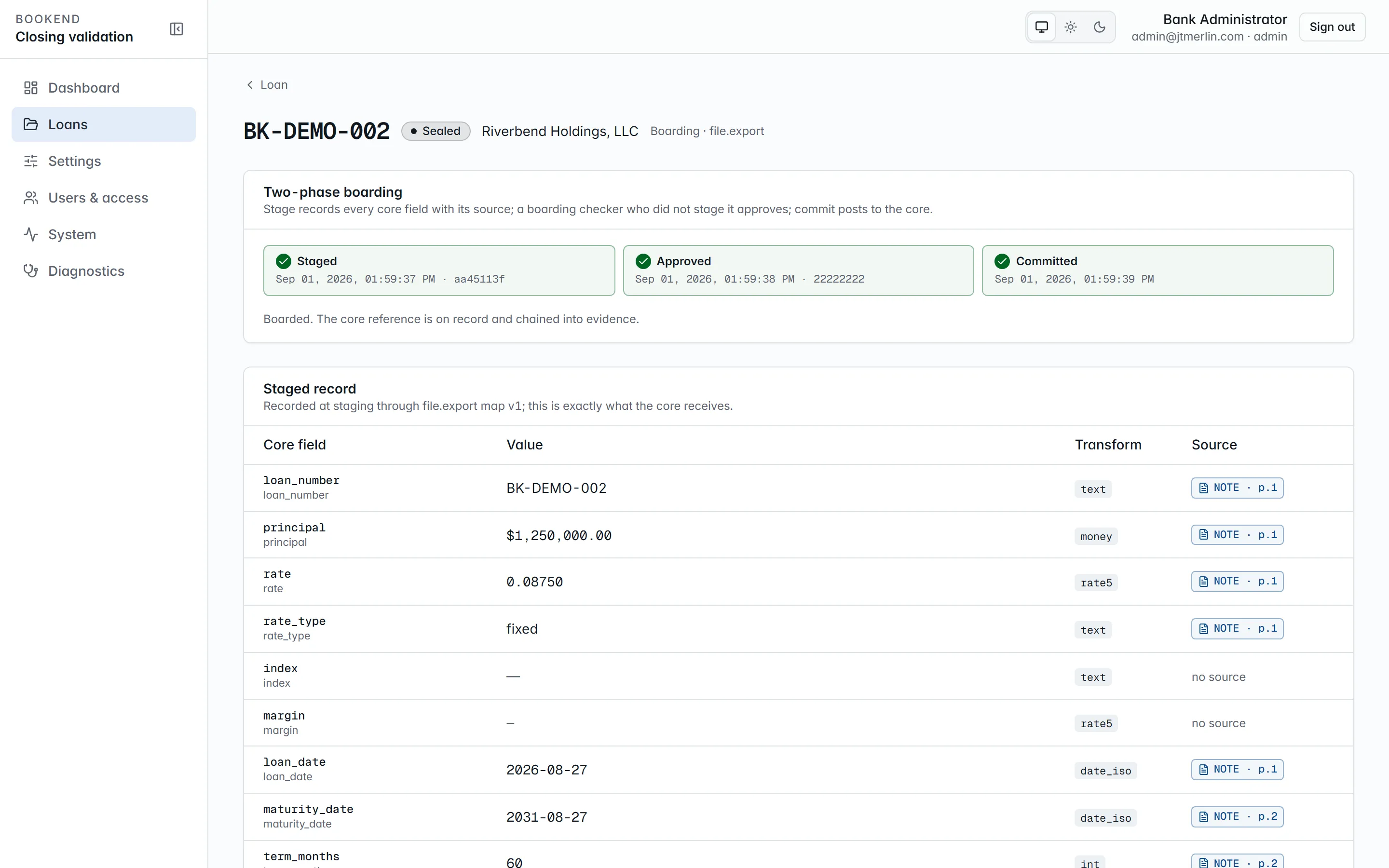
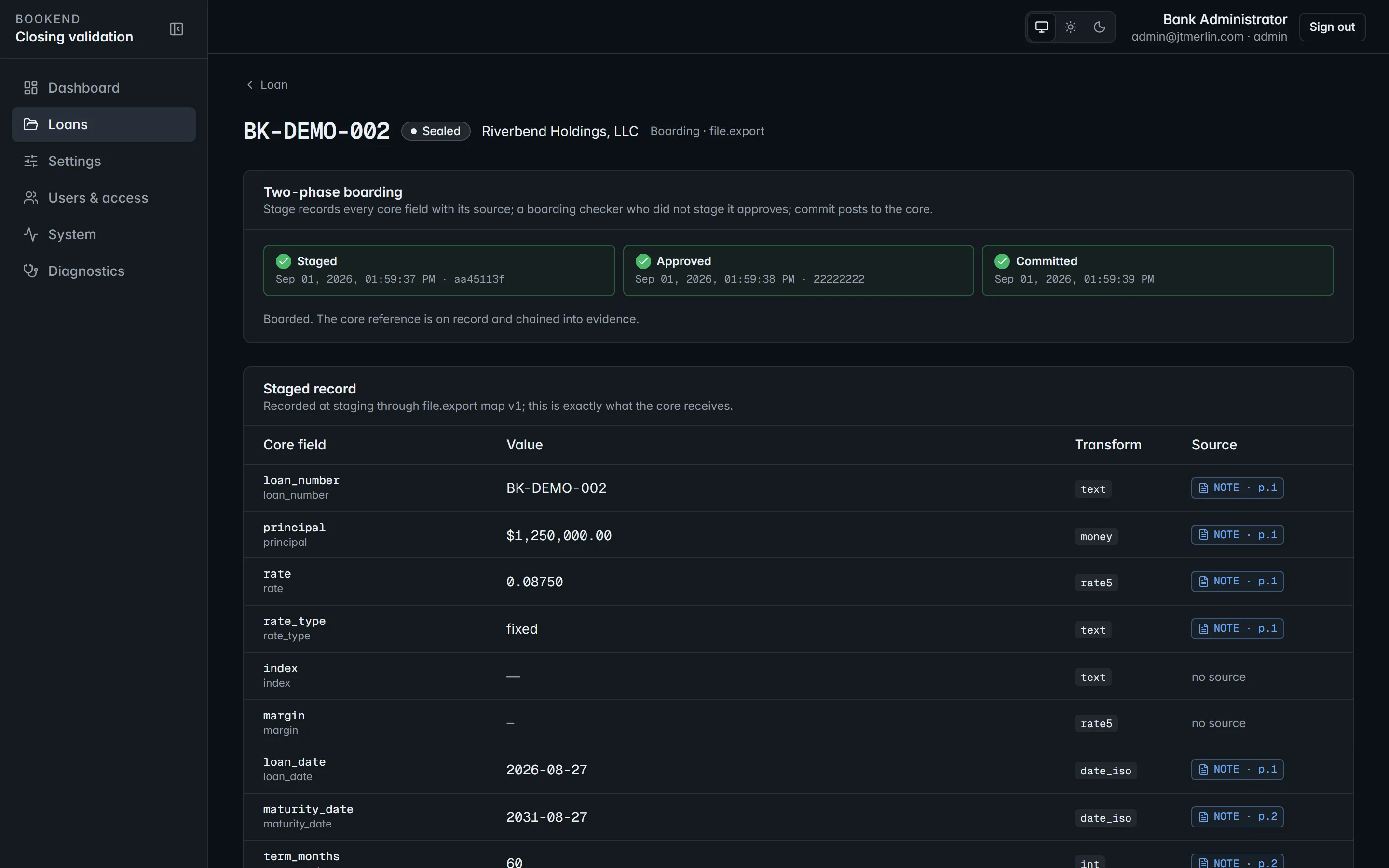
GET /v1/loans/{ref}/boarding/status reports the latest record and, once a core reference exists, a live inquiry against the core. Every step (staged, approved, committed, failed) is an evidence event. Stage, approve and commit need a signed-in person, not an API key.
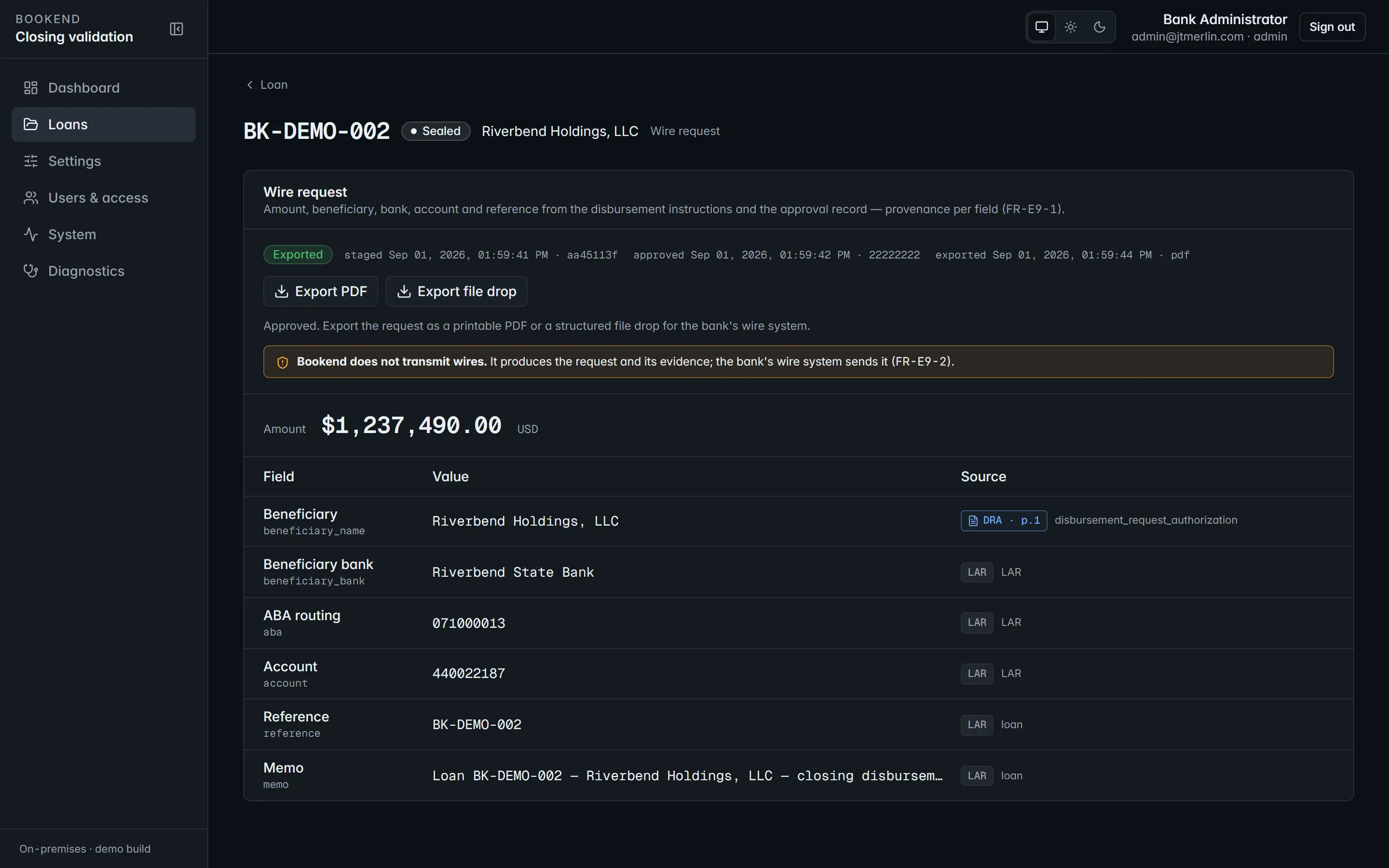
Bookend never transmits a wire. It prepares the request your wire room acts on:
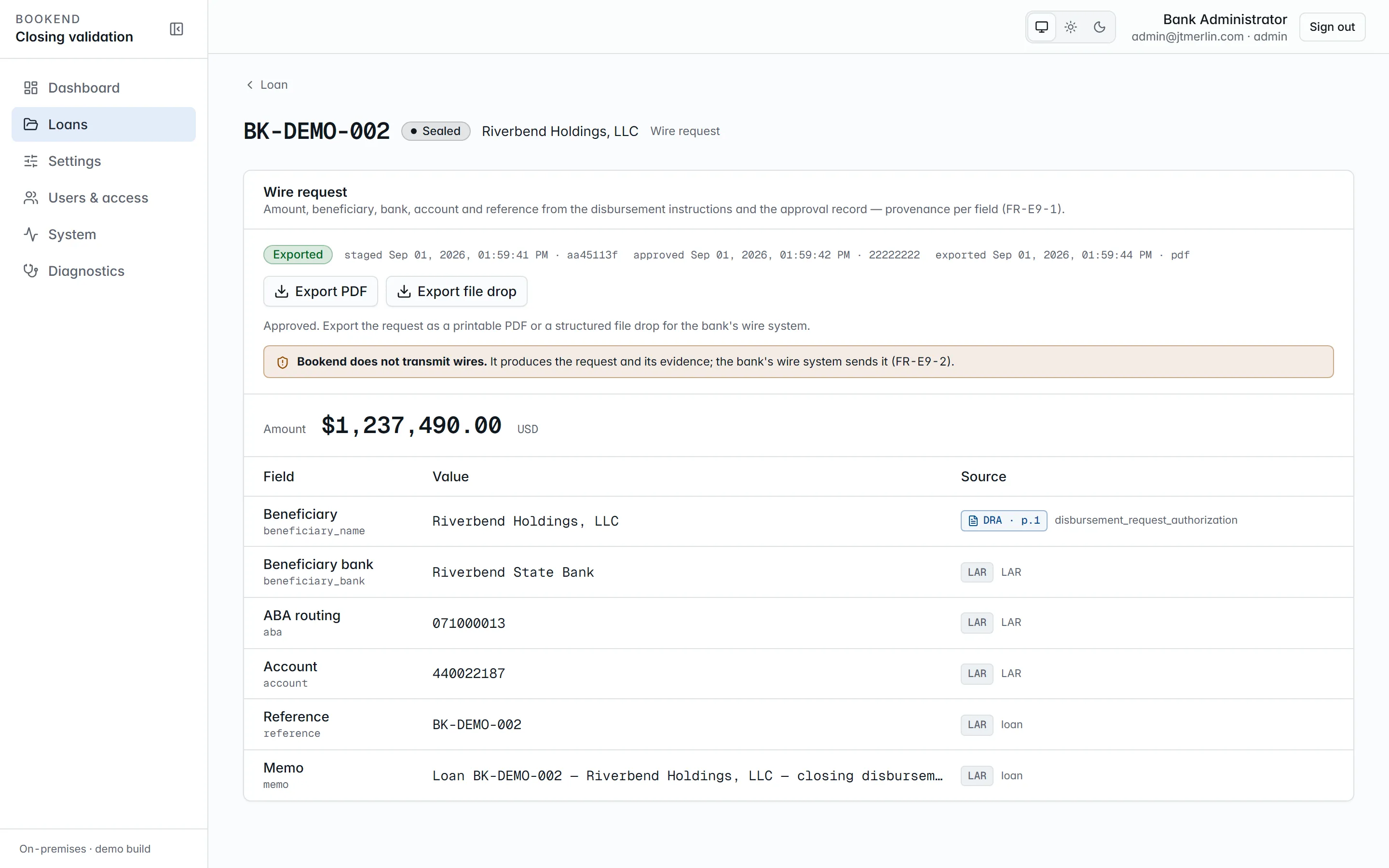
- Stage wire (specialist, manager or administrator, on a
boardedorfundedloan; withboarding.allow_wire_before_boardedon, also on anapprovedorboarding_stagedloan through the API). Amount and payee come from the DR&A’s wire disbursement line, beneficiary bank, ABA and account from the LAR, plus the loan reference and memo, every field with its source document and page. Only one wire can be open per loan at a time. - Approve (a boarding checker or administrator who did not stage it).
- Export PDF or Export file drop (
GET /v1/loans/{ref}/wire/export?format=pdf|filedrop): a printable wire request or a structured JSON file for the bank’s wire system. Both download to the browser and are also written to thewiresfolder undercore.file_export_path(the file drop requires that path). The export is recorded in evidence with the file’s hash.
Funding and sealing
Section titled “Funding and sealing”Both steps live in the Evidence & closing section of the loan page and need the manager or administrator role.
- Mark funded records
loan.fundedonce the bank confirms the disbursement went out, and moves aboardedloan tofunded. This step is optional. - Seal verifies the evidence chain first and refuses if it does not verify, then writes the terminal
loan.sealedevent. It works on aboardedorfundedloan. Sealed loans are read-only everywhere and count as closed loans for metering.
Both accept an optional note. See Evidence packet.