
Users and roles
| Role | May |
|---|---|
admin |
everything: users, API keys, settings, rule switches and bank rules, LAR profiles, core field maps, teaching documents and fixing where a value comes from, diagnostics, metering actions; also holds every other role’s rights |
manager |
everything a specialist may, plus override findings, mark funded, seal, read metering and the audit log; escalations are emailed to managers and administrators |
specialist |
create and assign loans, upload, reprocess, review (accept / escalate), approve and reject packages, stage boarding, stage and export wires |
boarding_checker |
approve a staged boarding or wire that someone else staged, commit an approved boarding; read loans and evidence |
auditor_readonly |
read every loan, finding, evidence packet and rule page; verify evidence chains; nothing else |
api_service |
the role behind API-key tokens; rights come from the key’s scopes (status:read, intake:write, evidence:read) |
Roles are assigned per user (POST /v1/users/{id}/roles replaces the set); a user may hold several, for example specialist and manager. A role change takes effect within one access-token lifetime, because it revokes the user’s refresh tokens.
Managing people
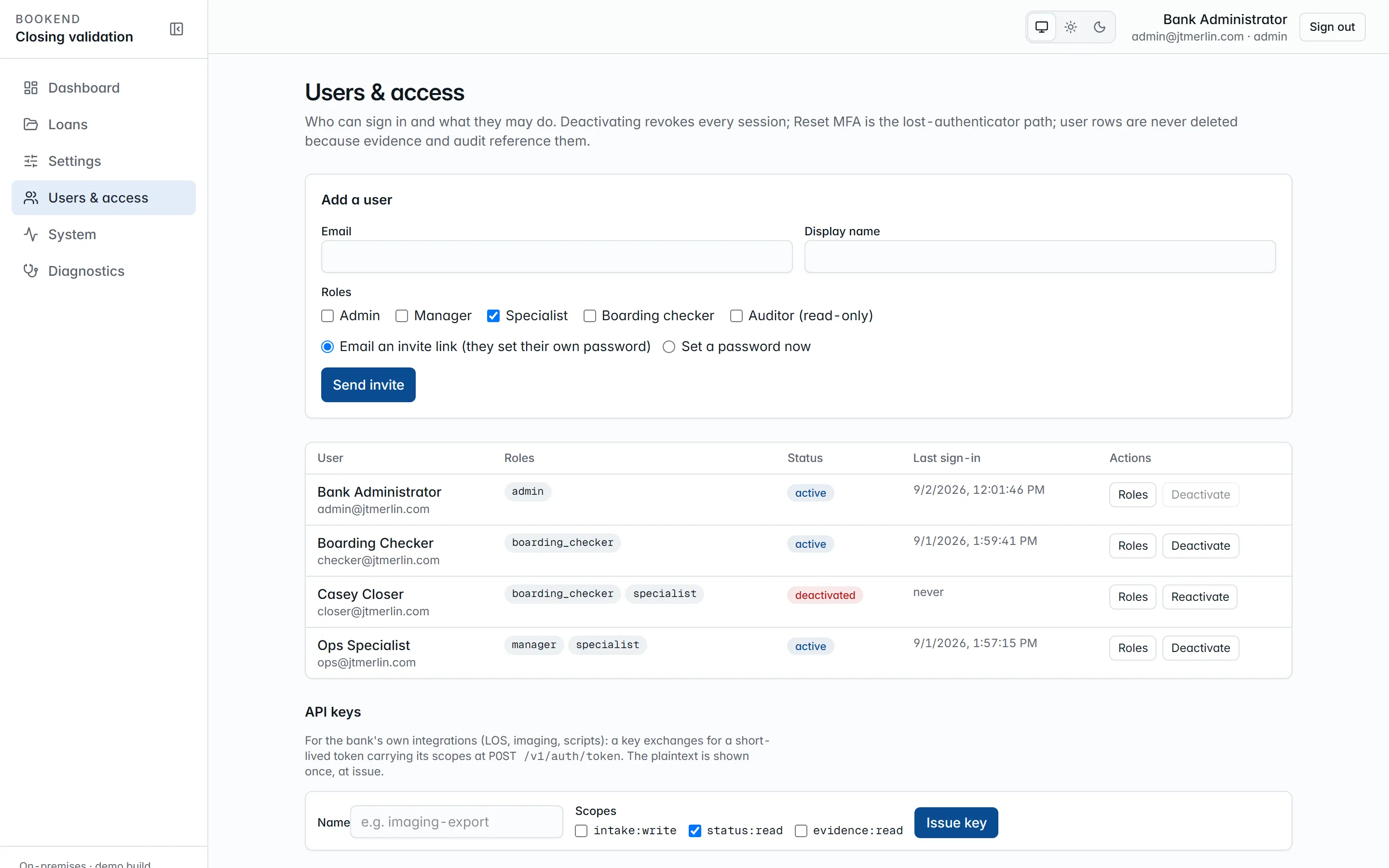
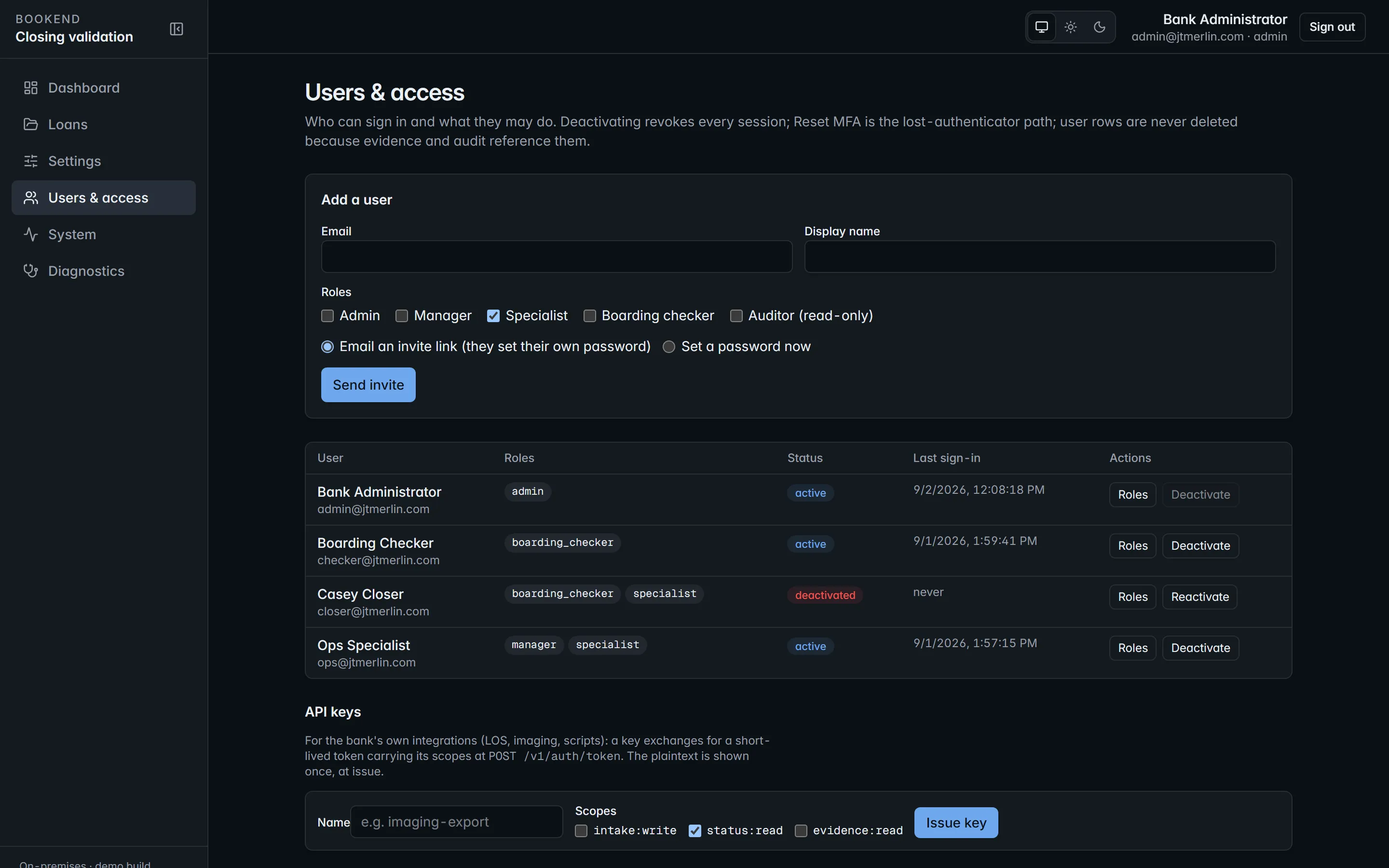
Section titled “Managing people”Users & access (administrators) lists every user with roles, status and last sign-in. Add a user either emails an invite link (valid 72 hours, single-use) so the person sets their own password, or creates the user with a password. Deactivate switches an account off and revokes every session; user rows are never deleted, because evidence and audit reference them. You cannot deactivate yourself or remove your own admin role. Reset MFA is the lost-authenticator path (below).
Segregation of duties
Section titled “Segregation of duties”Enforced by the platform, not by procedure:
- The person who stages a boarding cannot approve it, even an administrator.
- The person who stages a wire cannot approve it.
- Overriding a finding takes a manager or administrator, a reason code from
review.reason_codesand a justification of at leastreview.justification_min_lengthcharacters. - Reviewing, approving, boarding, wires, funding and sealing need a signed-in person; API keys are refused.
- Sealed loans are read-only for everyone.
Sign-in
Section titled “Sign-in”- Password: Argon2id hashed; minimum length from
auth.password_min_length. Users change their own withPOST /v1/auth/password. - Email link: a single-use link sent through your relay, valid for
auth.otp_ttl_minutes. - Either method can be switched off (
auth.login_password_enabled,auth.login_otp_enabled). - Access tokens are short-lived RS256 JWTs; refresh tokens rotate and are revocable, and reusing a rotated refresh token revokes all of that user’s sessions. Both live in the browser’s memory only: no cookies, no local storage.
auth.allowed_email_domainsrestricts which addresses can be invited or created.- Sign-in endpoints allow 10 attempts per minute per client address; everything else allows 300 requests per minute per user or key.
Multi-factor authentication
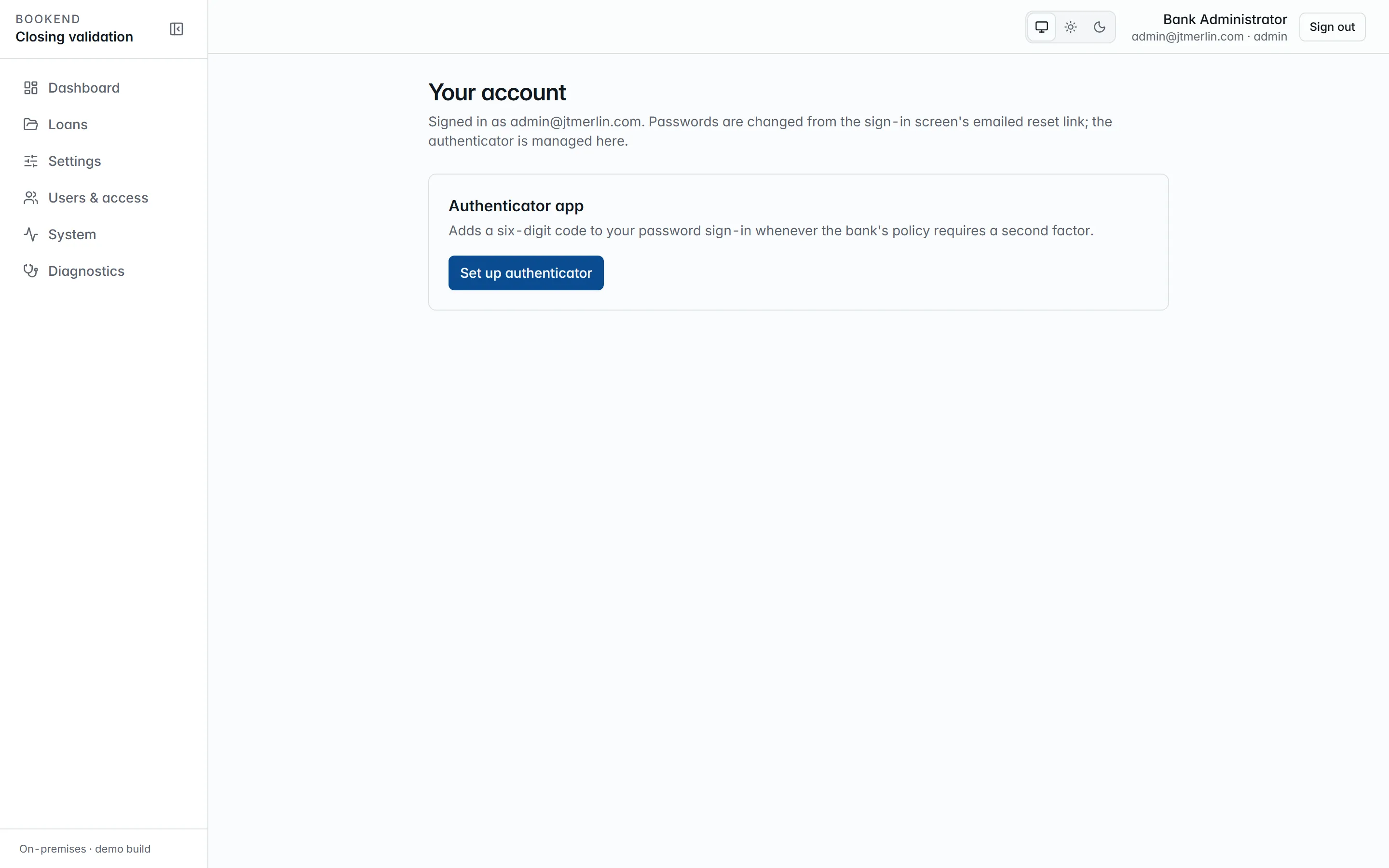
Section titled “Multi-factor authentication”With auth.login_totp_enabled on, anyone who has confirmed an authenticator app must enter its current six-digit code at every password sign-in. Each person enrolls on their account page (click your name, then Set up authenticator): add the setup key to an authenticator app or password manager and confirm with a first code. A user without an authenticator still signs in normally, so turning the policy on never locks anyone out. Codes are single-use, with one 30-second step of clock tolerance. If someone loses their device, an administrator uses Reset MFA in Users & access (DELETE /v1/users/{id}/totp), which also signs them out everywhere; they sign in again and re-enroll. Every enrollment, confirmation, removal and failed code is in the auth trail.
Single sign-on (OIDC)
Section titled “Single sign-on (OIDC)”Register Bookend with your identity provider (Entra ID, Okta, ADFS or any OpenID Connect provider) as a confidential web client with the redirect URI https://<bookend-host>/oidc/callback. Then set auth.oidc_authority (the issuer URL), auth.oidc_client_id, auth.oidc_client_secret and auth.oidc_provider_name, and turn on auth.oidc_enabled. The sign-in page gains a Continue with button named after the provider.
The identity provider authenticates; Bookend authorizes. The email the provider returns must belong to an existing, active Bookend user (accounts are never created automatically), roles stay Bookend’s own, and the session is the same short-lived token pair as every other method. Deactivating a user in Bookend ends their access whatever their status at the provider.
API keys
Section titled “API keys”Administrators issue keys in Users & access → API keys (or POST /v1/api-keys) with one or more scopes; the key (bk_<prefix>_<secret>) is shown once and stored hashed. A key is exchanged for an access token at POST /v1/auth/token and used like a user token against REST and /mcp, limited to its scopes. Keys can never act on findings, approvals, boarding or wires. Revoke with DELETE /v1/api-keys/{id}. Every issue, exchange and revocation is an auth_events row.
Audit trail
Section titled “Audit trail”GET /v1/audit?source=auth (System → Audit → “Sign-ins & API”) lists sign-ins, failed attempts, email-link requests, token refreshes and revocations, API-key use and every MCP call with the tool, the caller and the outcome.