
Intake
Ways in
Section titled “Ways in”| Channel | How |
|---|---|
| Workstation | Loans → New loan (loan reference, borrower, optional expected principal), then on the loan page drop the package PDFs on the upload area and add the approval record with Upload LAR (.json, .csv, .xml, .pdf or .docx). |
| Watch folder | Create LOANREF/ under documents.watch_folder with the PDFs and an optional lar.*. Once every file has been quiet for documents.watch_stable_seconds, the folder is ingested and moved to processed/. A folder whose reference is invalid or already exists, or whose intake fails, goes to rejected/ with a bookend-rejected.txt explaining why. A reference that already exists is never overwritten; add a package version through the API instead. The borrower name is taken from lar.json when present. |
| REST API | POST /v1/loans, then multipart POST /v1/loans/{ref}/documents and POST /v1/loans/{ref}/lar (the LAR can also be sent as a raw JSON body). newVersion: true on create adds a package version to an existing reference. |
| MCP | submit_package with base64 PDFs (scope intake:write). |
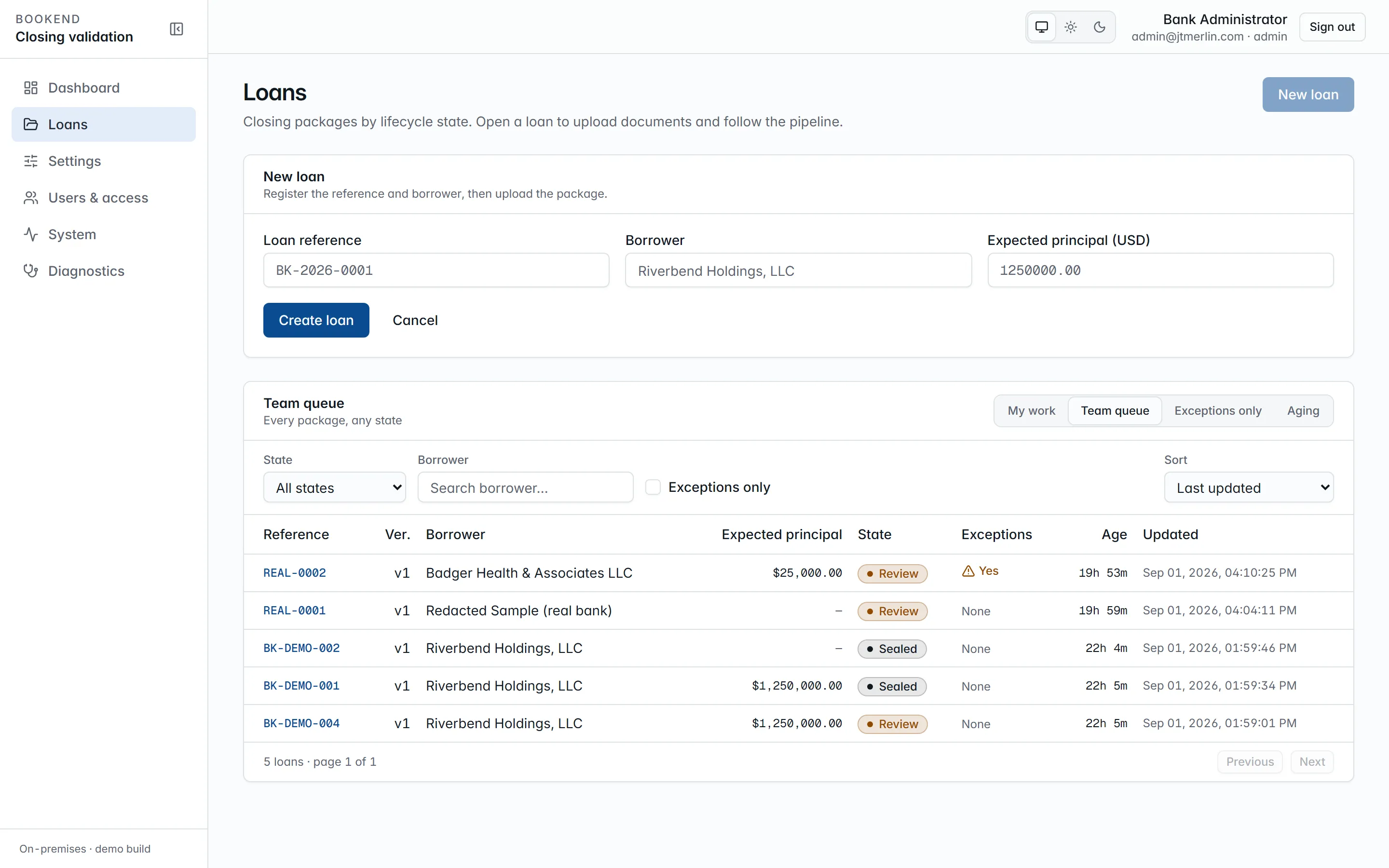
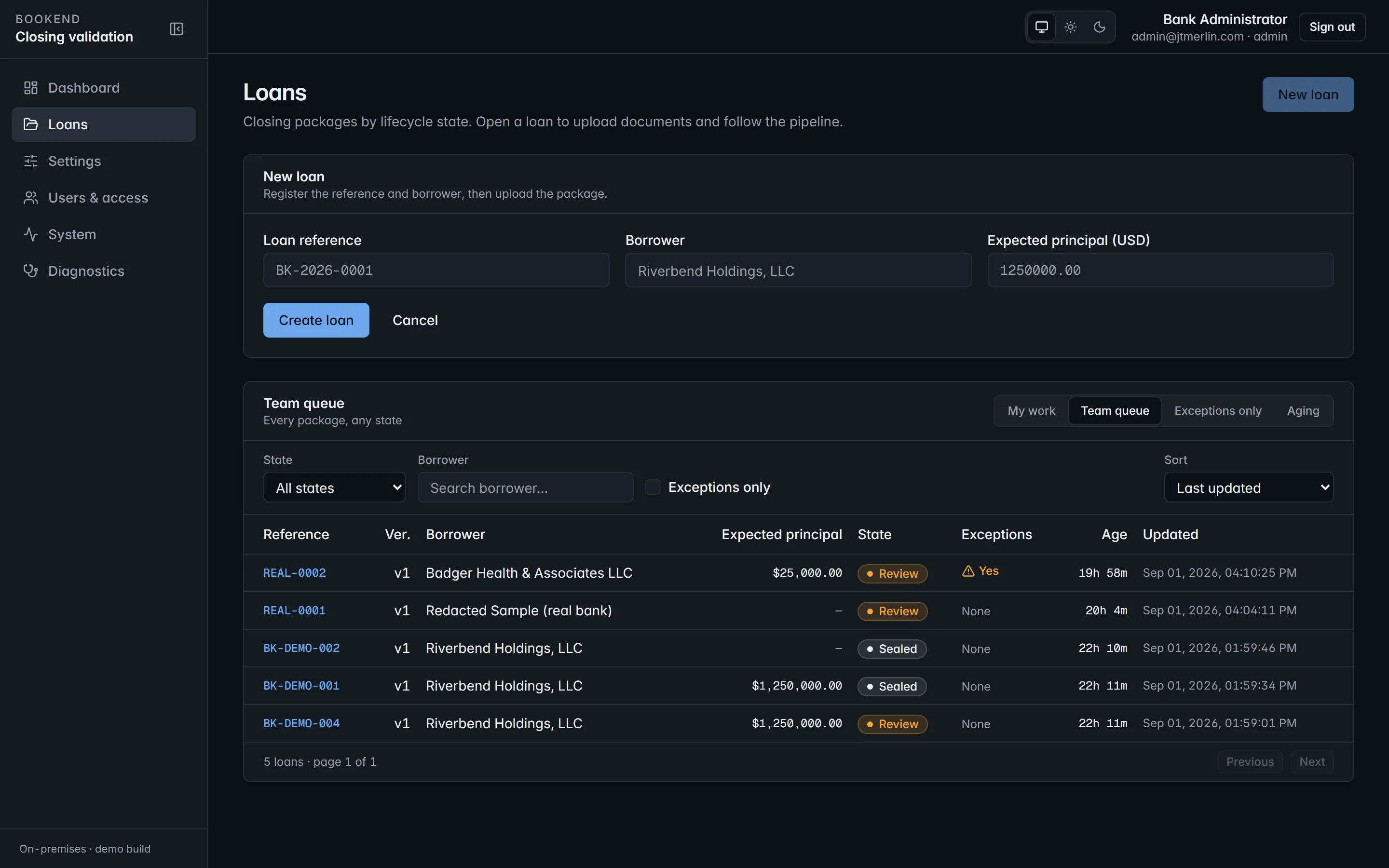
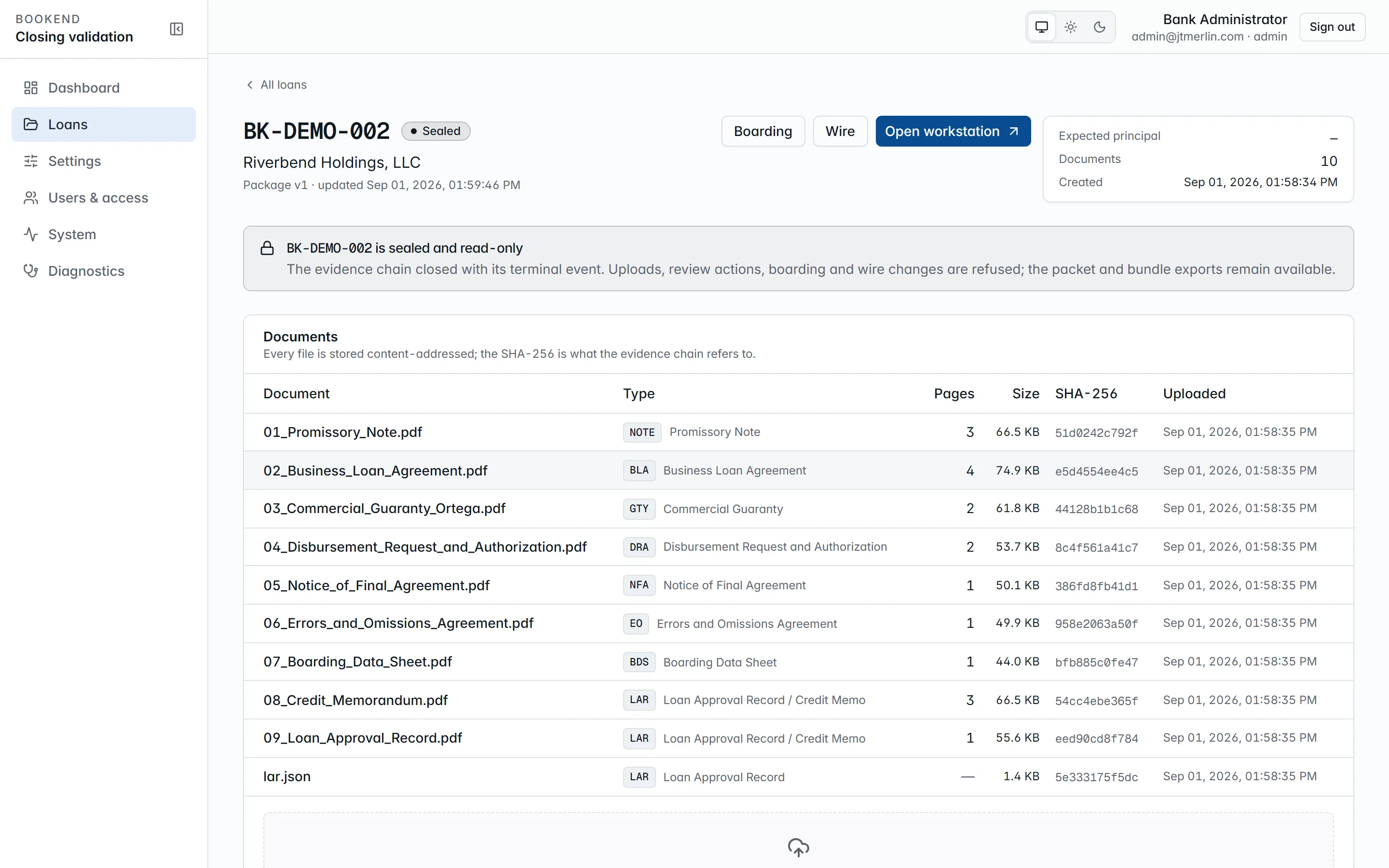
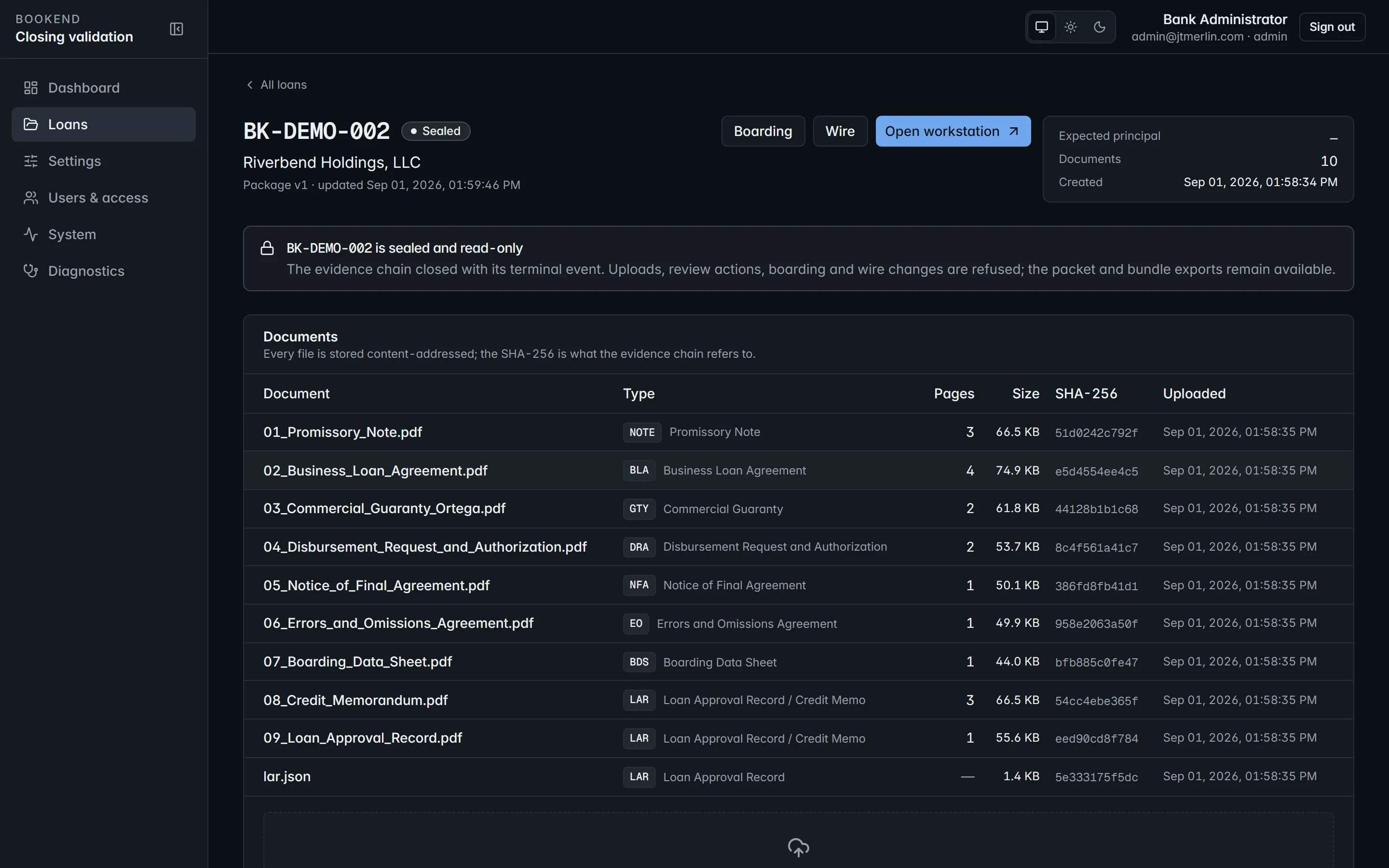
Documents can be added while a loan is in intake, processing or review. Package size is capped by documents.max_package_mb (default 200). Every file is stored content-addressed by SHA-256, so uploading identical bytes again changes nothing; the hash is what the evidence chain refers to. Uploading a replacement LAR while the loan is in review re-runs reconciliation.
On the loan page, Assign to me (or Take over / Release) records who owns the package. The assignment is written to the evidence chain, the assignee is emailed, and the loan appears in their My work view of the queue.
The pipeline
Section titled “The pipeline”Each document runs five durable stages, scheduled as Quartz jobs in the database so a restart resumes where it stopped:
- split: page count and structure
- classify: document type from the taxonomy (
NOTE,BLA,GTY,CSA,DRA,NFA,EO,BDS,CIT,LAR,OTH) - ocr: only for scanned pages (skipped otherwise)
- extract: every catalog field with page, bounding box, confidence and method; money, rate, date, whole-number and party fields are read by two independent passes that must agree. The bank’s own taught templates run ahead of the built-ins
- locate: signature, initials, date and notary zones per the execution templates
GET /v1/loans/{ref}/pipeline (and the Pipeline section on the loan page) shows the document × stage grid with each stage’s status, attempts and errors. A failing stage retries with exponential backoff, starting at pipeline.retry_base_seconds and doubling up to ten minutes, for at most pipeline.max_attempts attempts (default 8). Reprocess in the Pipeline section runs the whole package again; POST /v1/loans/{ref}/reprocess with a documentId reprocesses a single document. Reprocessing replaces earlier extractions, keeps the evidence and returns the loan to processing. When every document has finished, the loan moves to review and reconciliation runs.
Loan states
Section titled “Loan states”intake → processing → review → approved → boarding_staged → boarded → funded → sealed
fundedis optional: aboardedloan can be sealed directly.rejectedis terminal: a reviewer rejects a package inreview, and a corrected package comes in as a new version of the same reference.- Reprocessing or new documents send a loan in
reviewback toprocessing. - Unresolved exceptions are a flag on the loan (
has_exceptions, the queue’s Exceptions only view), not a state.
Every step is recorded as an event in the loan’s evidence chain.