Onboarding wizard
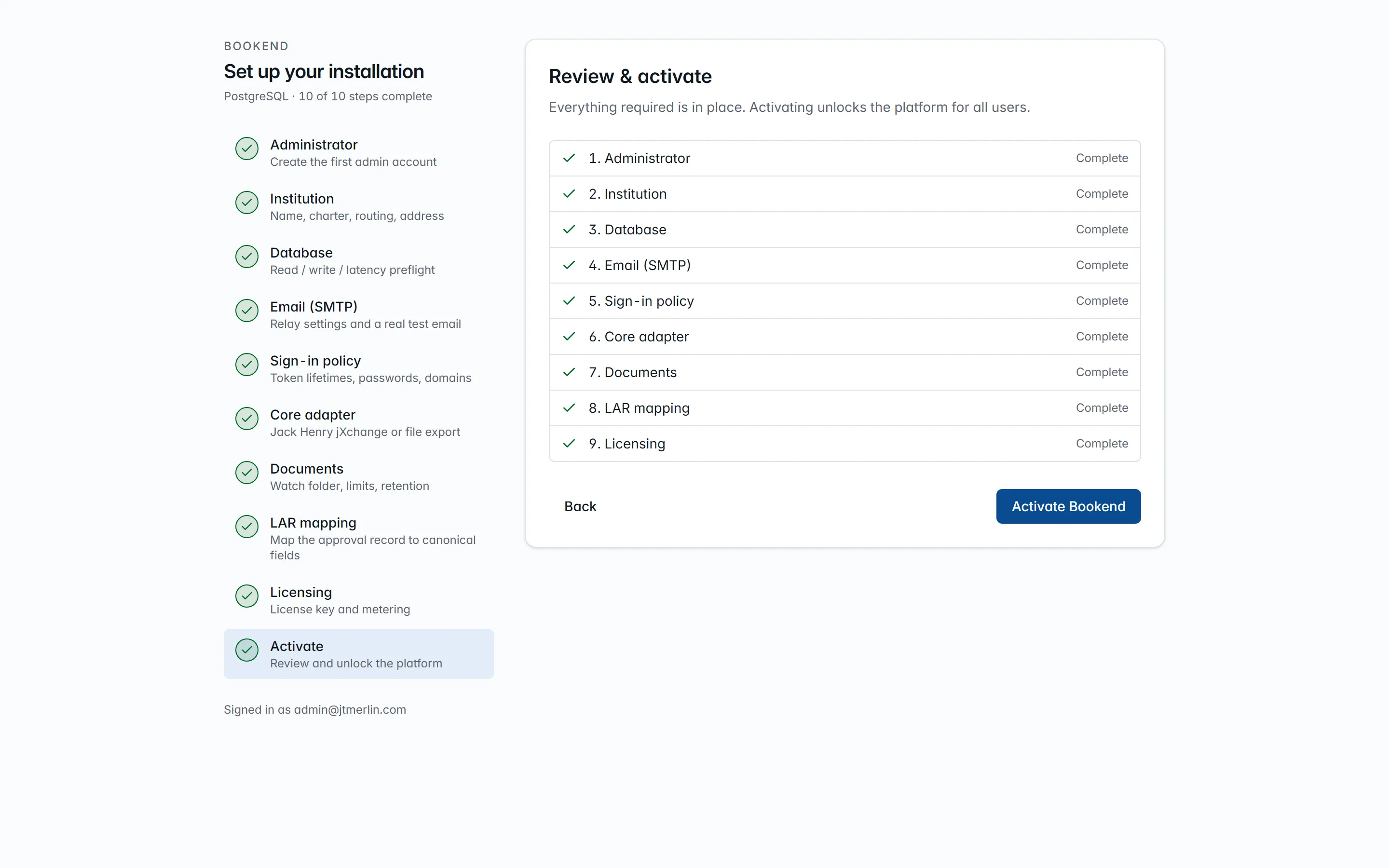
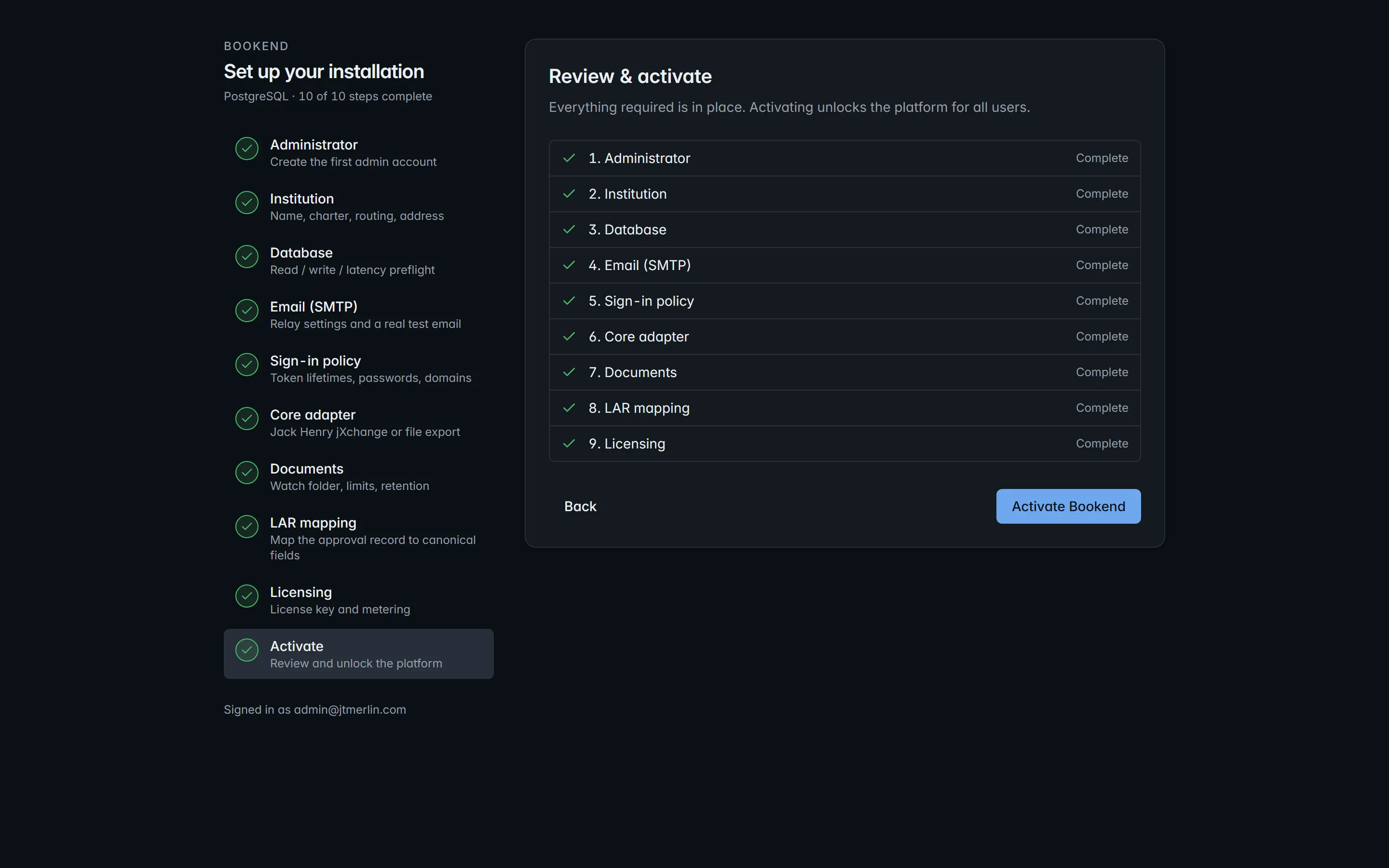
A new database has no administrator. Opening the workstation lands on /setup; every other route stays gated until step 10 activates the install. Only steps 1 to 6 are required for activation; steps 7 to 9 start from sensible defaults and can be finished later. An administrator can reopen the wizard at any time from Settings → Other options (Reopen the setup wizard) or with POST /v1/setup/reopen; completed steps and settings are kept.
| Step | Screen | What it sets | Notes |
|---|---|---|---|
| 1 | Administrator | the first admin user (email, display name, password of at least 12 characters by default) |
refused once an administrator exists |
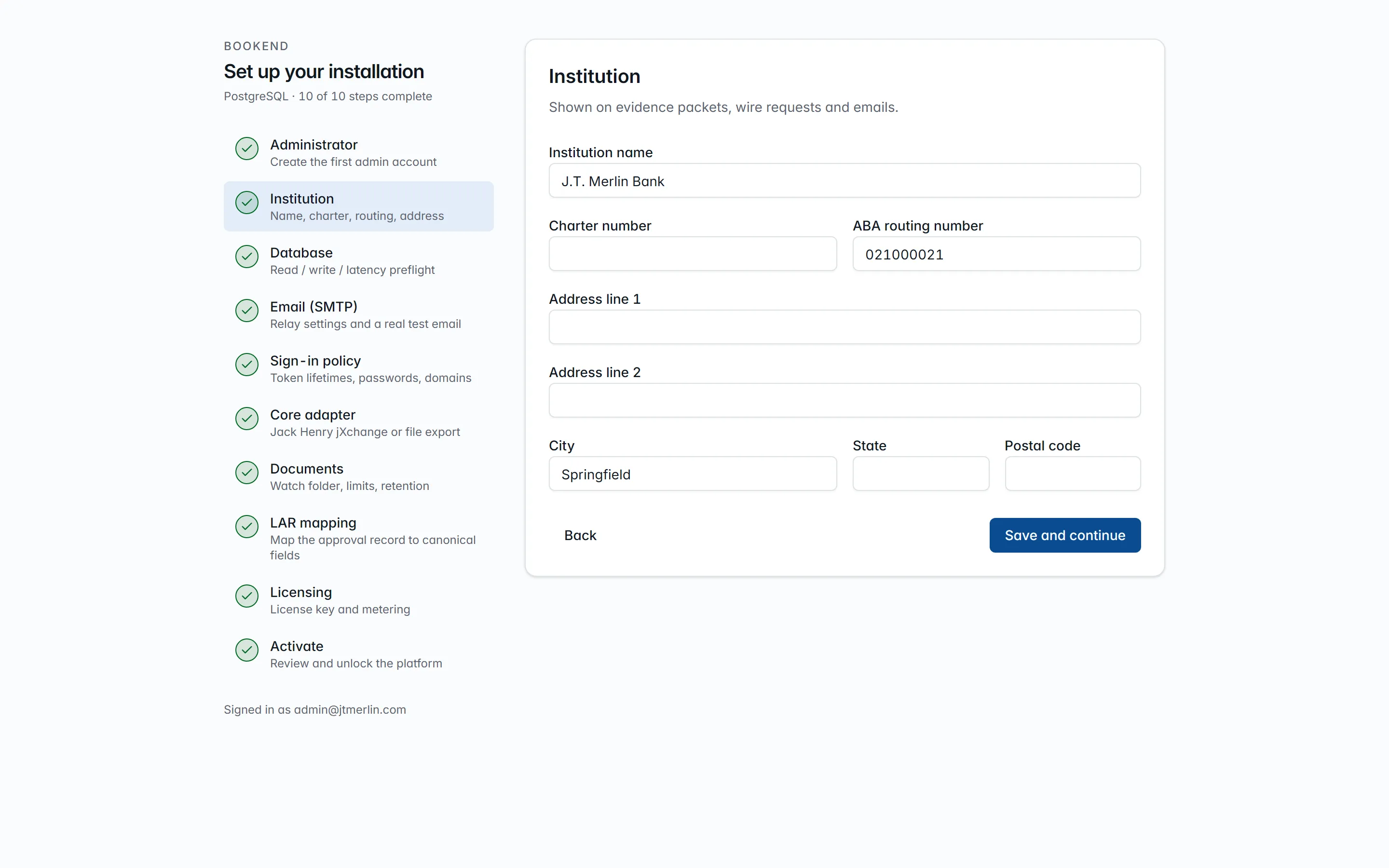
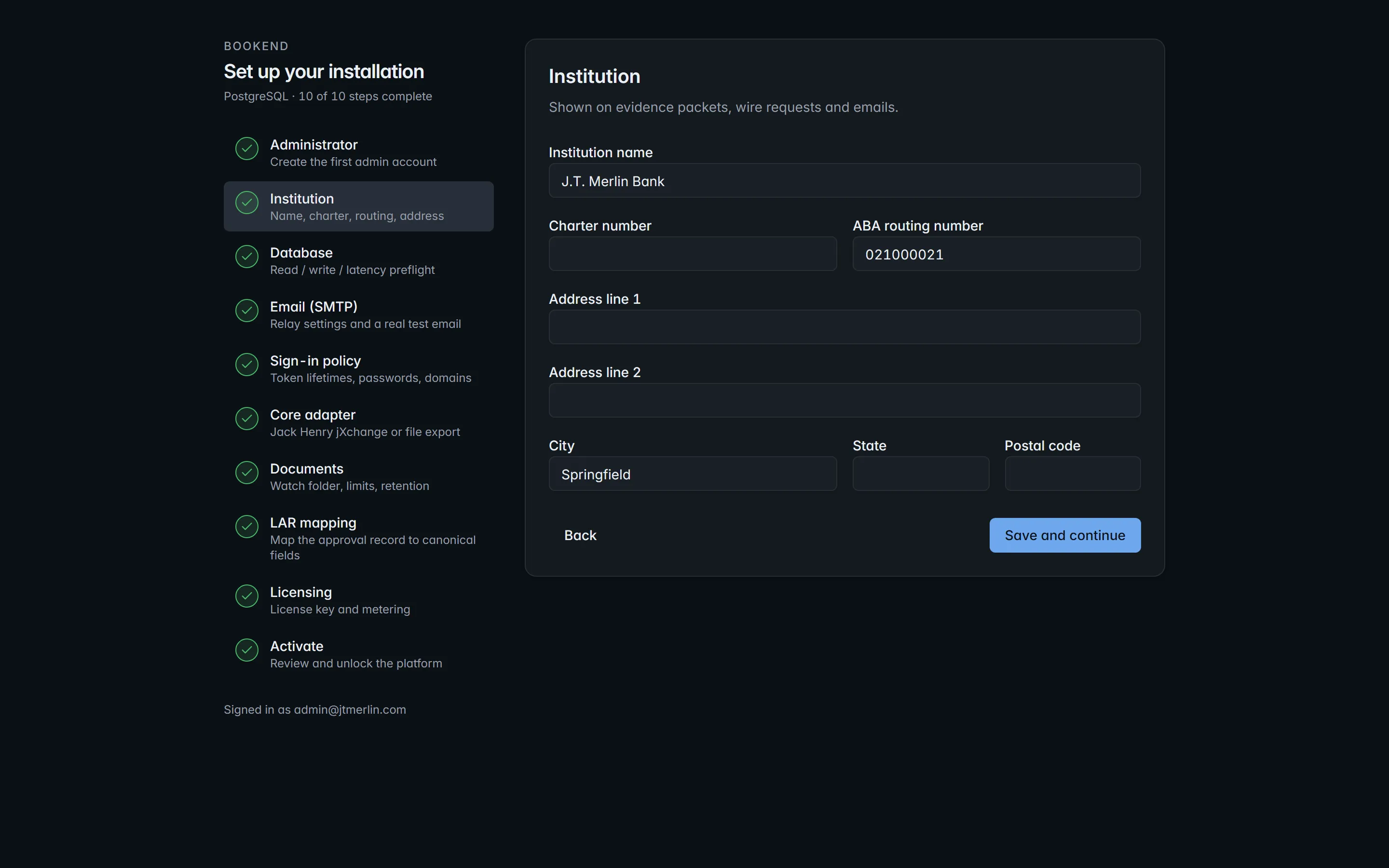
| 2 | Institution | name, charter number, ABA routing number, address | shown on evidence packets, wire requests and emails |
| 3 | Database | preflight: a ledger read and a settings write and delete as the application principal, with timings and the number of applied scripts | the step completes only when the check passes |
| 4 | Email (SMTP) | host, port, TLS mode (none / starttls / ssl), optional credentials, from address and name |
sends a real test email; activation is blocked until one succeeds |
| 5 | Sign-in policy | public URL, access and refresh token lifetimes, sign-in link lifetime, password minimum, password / email-link sign-in, allowed email domains | app.public_url is what sign-in links use; at least one sign-in method stays on |
| 6 | Core adapter | file.export (export folder) or jackhenry.jxchange (endpoint, username, password, institution routing id) |
runs a connection test; activation is blocked until one succeeds |
| 7 | Document sources | watch folder, maximum package size (MB), retention (days) | watch folder defaults to /data/watch; a change takes effect after an api restart |
| 8 | LAR mapping | the LAR profile that maps your approval record onto the field catalog, with a live preview | the seeded lar-json-v1 profile maps the canonical lar.json; the step can be skipped |
| 9 | Licensing & metering | license key, metering endpoint, or air-gapped | see Metering and licensing |
| 10 | Review & activate | summary of every step and the blockers, if any | Activate Bookend opens every route and lands on the dashboard |
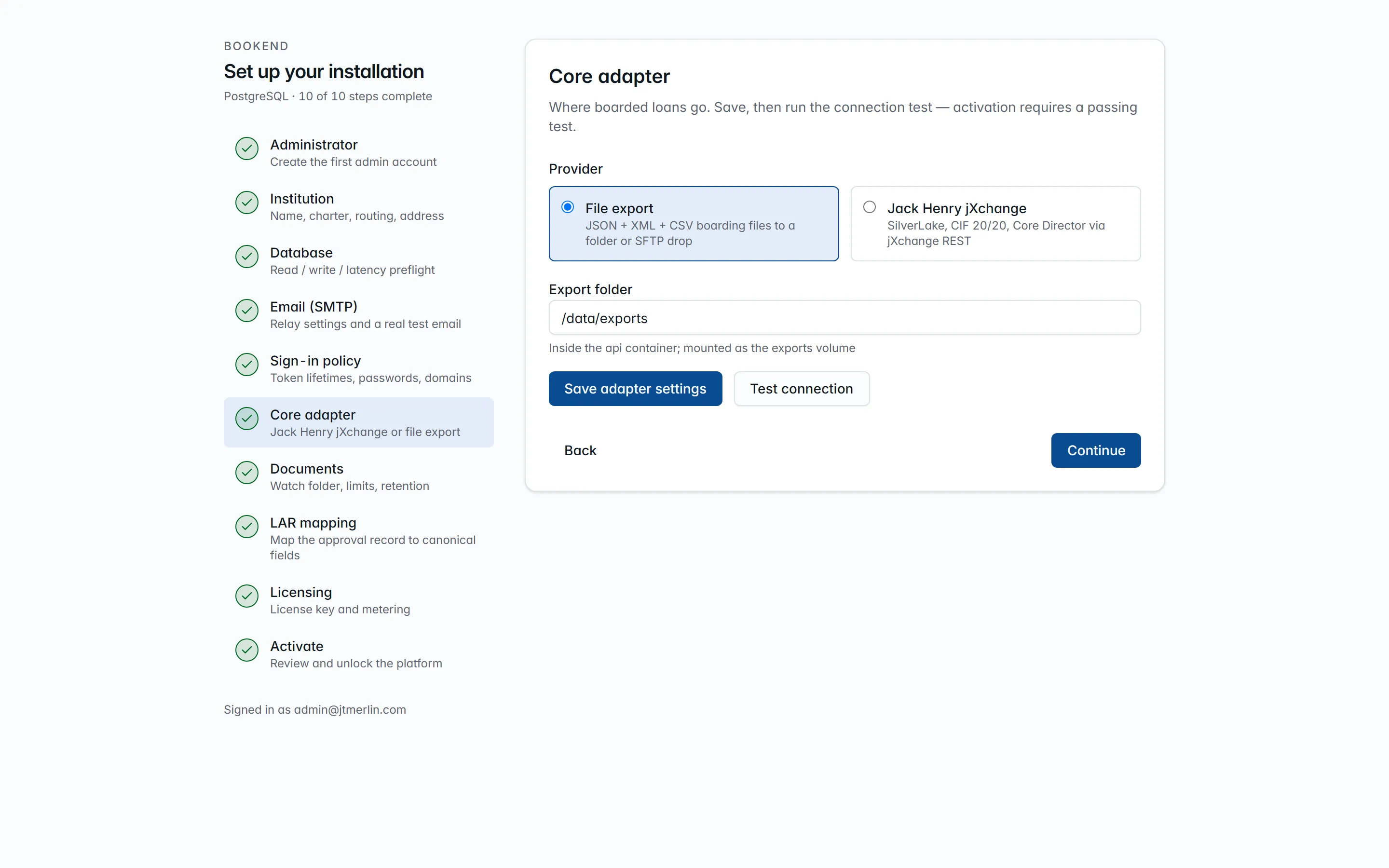
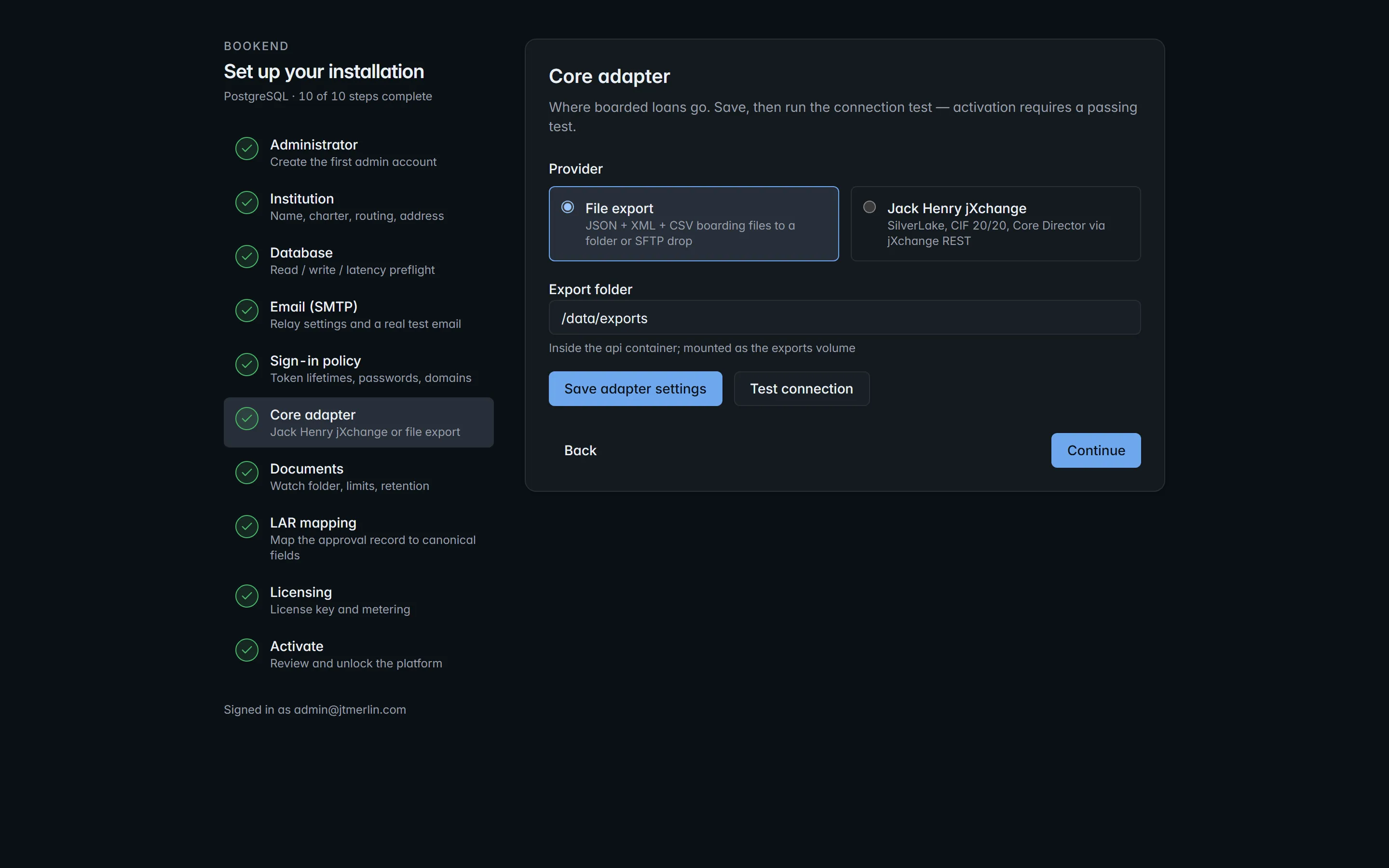
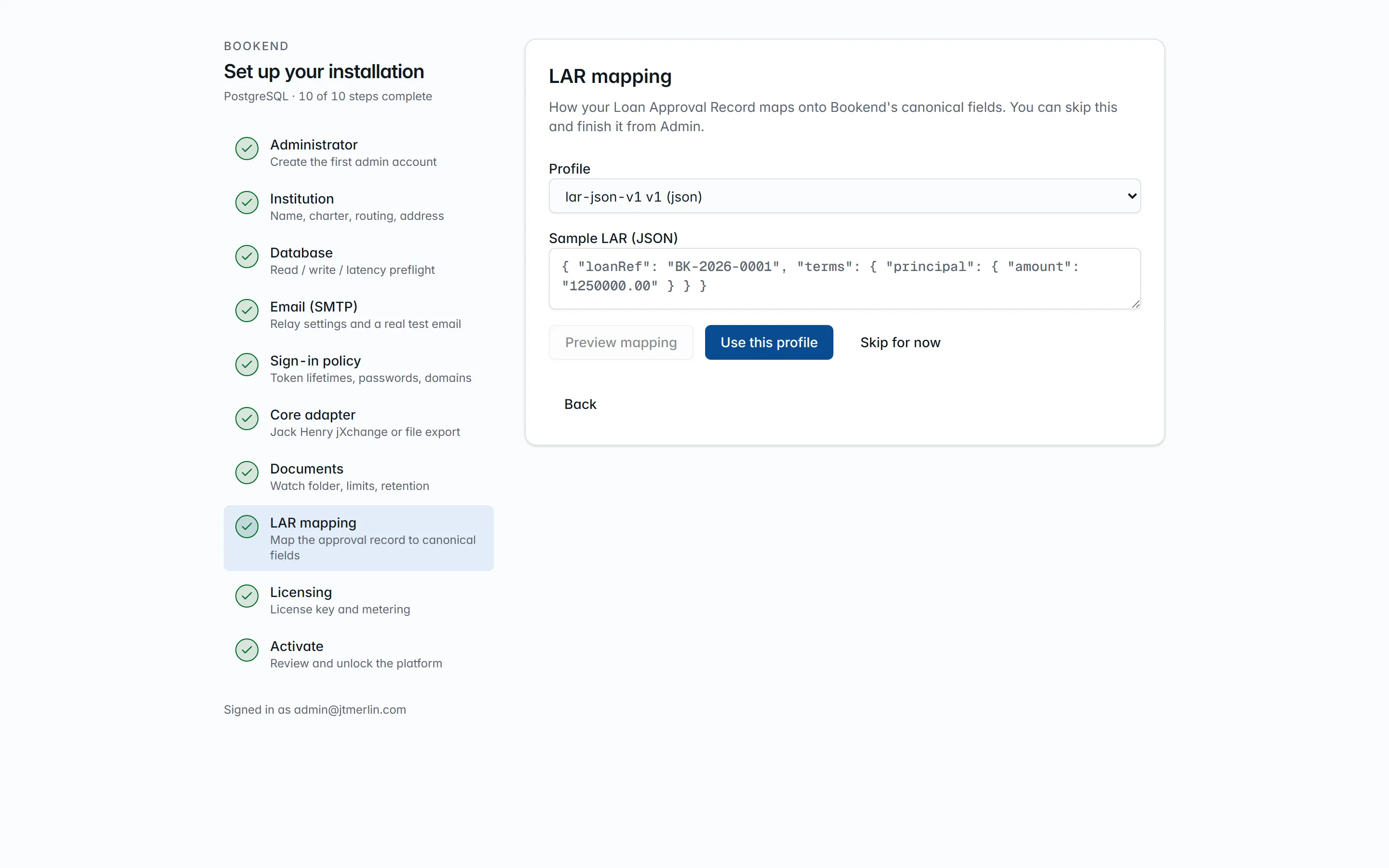
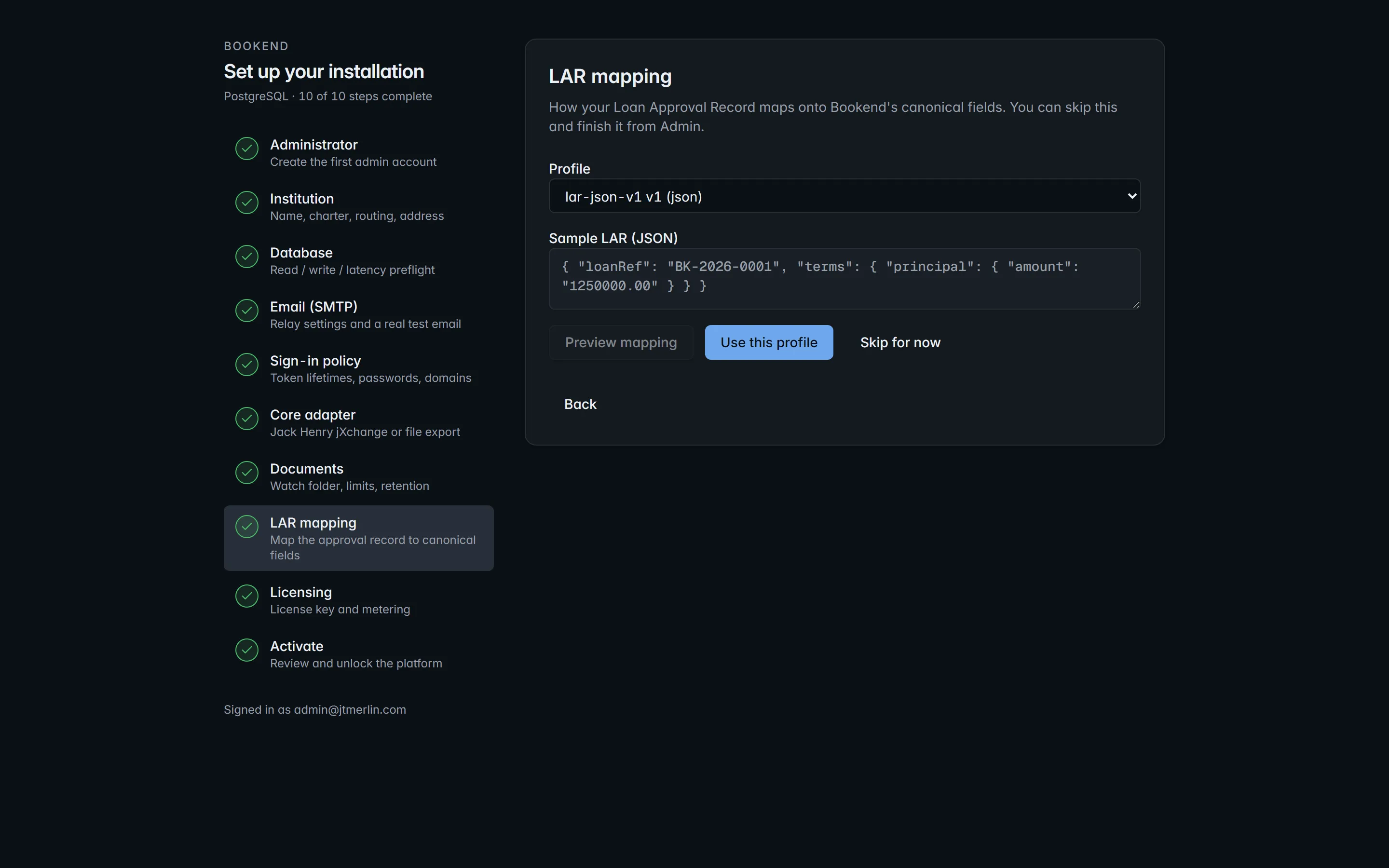
Every step is an ordinary API call under /v1/setup/*, and the SMTP and core tests are POST /v1/settings/test/smtp and POST /v1/settings/test/core (see the API reference), so onboarding can also be scripted. GET /v1/setup/status is anonymous and reports the completed steps, both test results and the remaining activation blockers.
After activation
Section titled “After activation”- Invite the operational users (Users & access): specialists, managers, boarding checkers, a read-only auditor.
- Feed a package (Intake) and check that every value carries provenance.
- Send a heartbeat or confirm air-gapped mode (System → Metering & license).