
Connecting Claude and other agents
1. Issue an API key
Section titled “1. Issue an API key”An administrator opens Users & access → API keys → New, or calls POST /v1/api-keys with { "name": "…", "scopes": ["status:read"] } while signed in as a user. Scopes decide what the tools may do:
| Scope | Tools it unlocks |
|---|---|
status:read |
list_loans, get_loan, get_findings, get_boarding_preview, get_evidence_summary, get_queue_stats (and reaching /mcp at all) |
intake:write |
submit_package |
evidence:read |
export_evidence |
Every key used for MCP needs status:read, because the endpoint itself requires it. Add intake:write or evidence:read only when the session should submit packages or export evidence. The plaintext key (it starts with bk_) is shown once; Bookend stores only its hash.
2. Exchange it for a token
Section titled “2. Exchange it for a token”TOKEN=$(curl -s -X POST https://<host>/api/v1/auth/token \ -H 'content-type: application/json' -d '{"apiKey":"<api key>"}' | jq -r .accessToken)Tokens expire after auth.access_token_minutes (15 minutes by default). There is no refresh token for API keys; exchange the key again to get a new token.
3. Register the server
Section titled “3. Register the server”claude mcp add --transport http bookend https://<host>/mcp --header "Authorization: Bearer $TOKEN"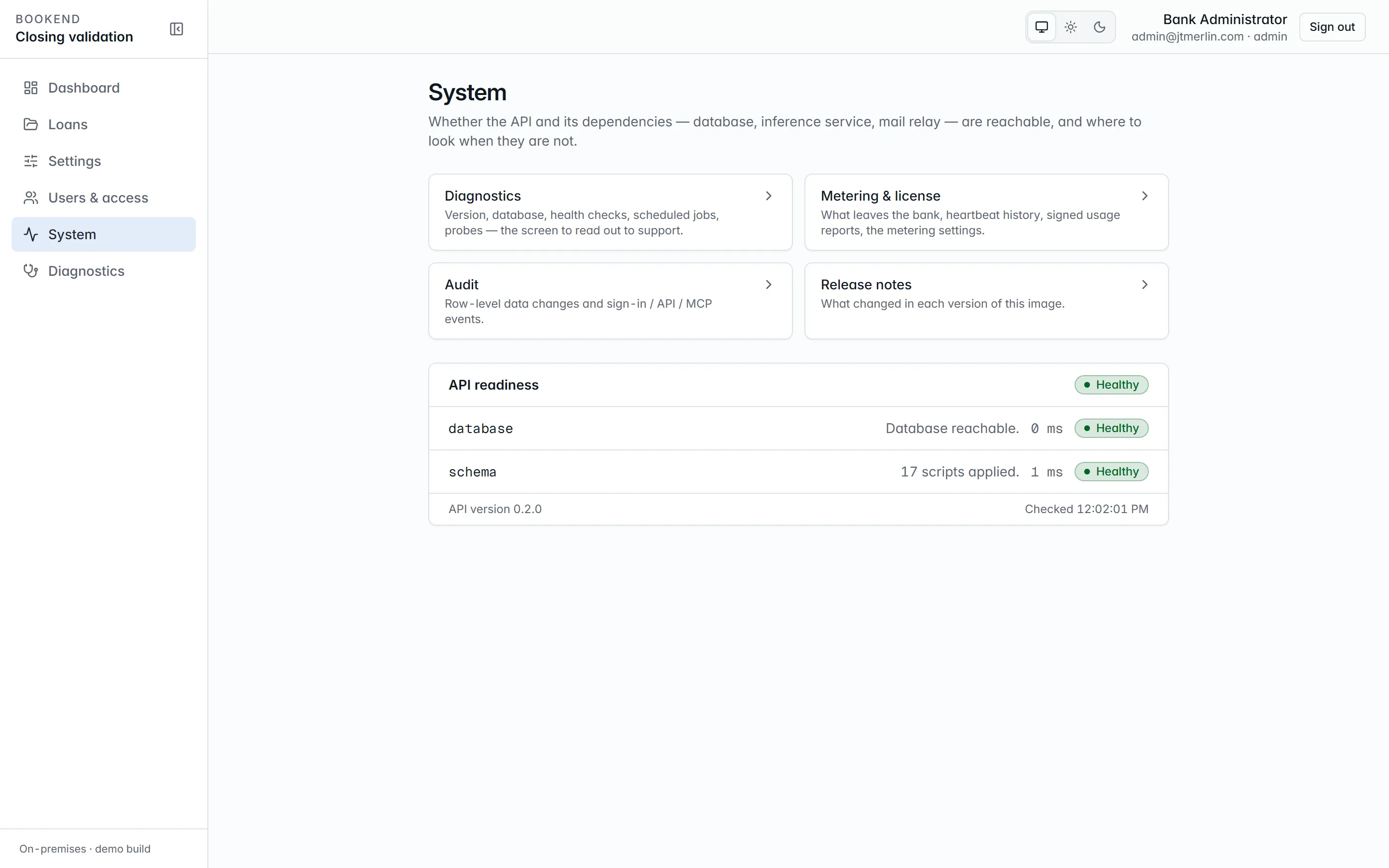
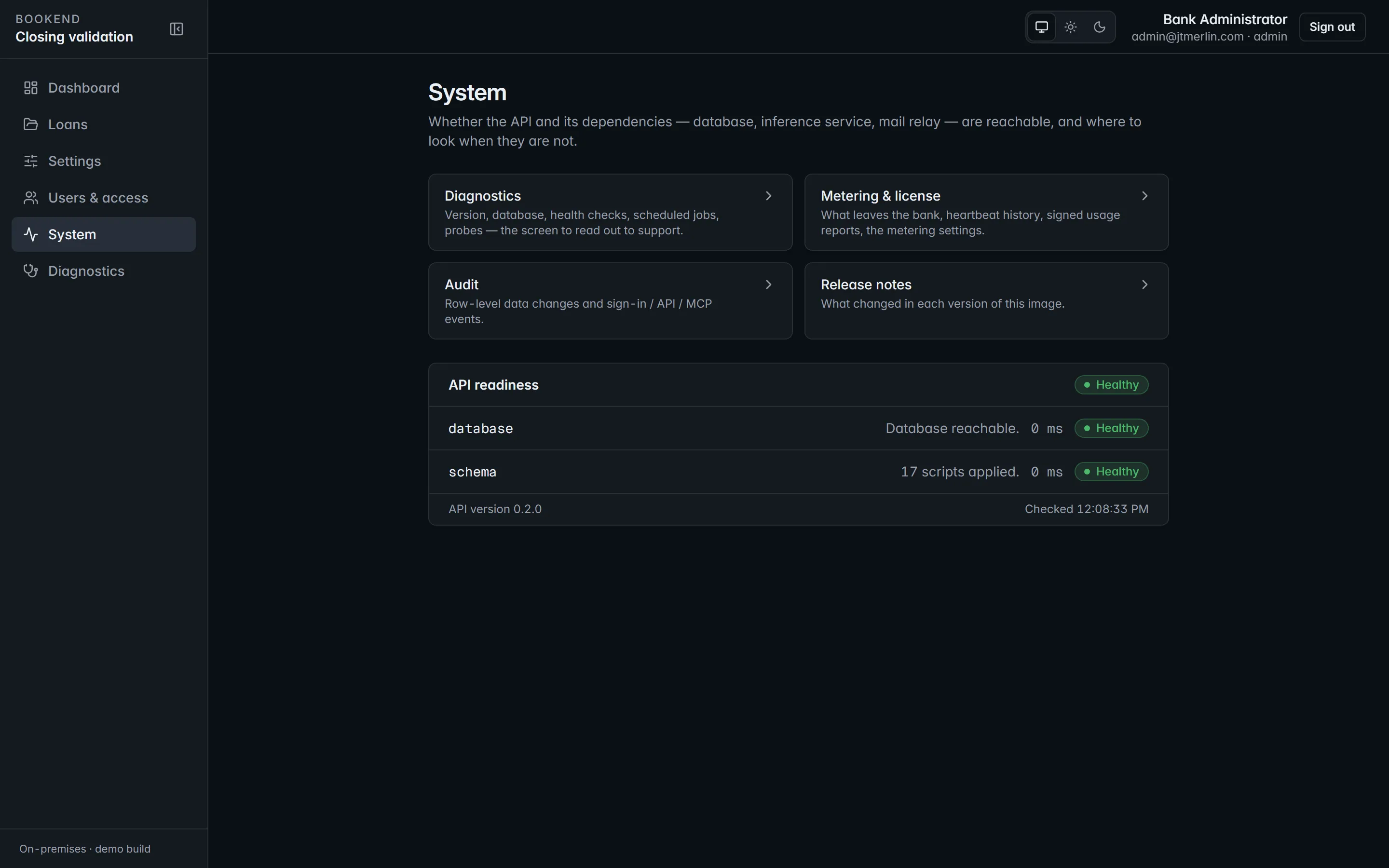
Any MCP client that speaks streamable HTTP works the same way; the server is stateless, so no session ids are needed. Through app-ui the path is /mcp; inside the compose network the api answers at http://api:8080/mcp.
4. Ask
Section titled “4. Ask”- “Which loans are in review with exceptions?” →
list_loans - “Show me the findings on BK-DEMO-002 and where each one comes from.” →
get_findings - “What would boarding send to the core for this loan?” →
get_boarding_preview - “Is the evidence chain for BK-DEMO-001 intact?” →
get_evidence_summary
Approvals, overrides, boarding, wires, funding and sealing are not available through MCP; they stay with signed-in people in the workstation.
Every call, allowed or refused, is audited (GET /v1/audit?source=auth&eventType=mcp_call, or System → Audit). Refusals come back as tool errors with the same message the REST API would give. The full tool reference is on MCP server.